1
Using the Stimulator
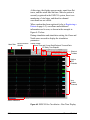
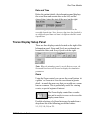
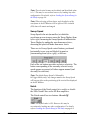
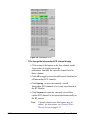
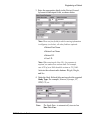
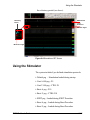
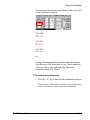
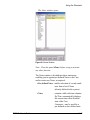
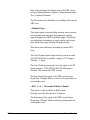
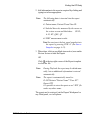
Stimulator Pacing panel.
Note:
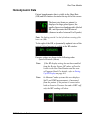
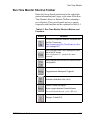
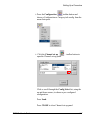
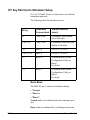
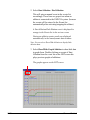
If the Panic buttons F11 and F12 were configured as Burst in the Configuration Offline Utility then:
F11 toggles between Burst A and Normal modes.
F12 toggles between Burst V and Normal modes.
The first time Burst mode is used in a case receives the
Mennen default parameters.
Changes made to stimulation parameters while in Burst
mode are stored as updated Burst parameters.
Returning from Burst A or Burst V to Normal mode sets
the stimulation protocol to the last normal setting prior to
activation of the Burst.
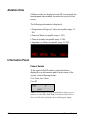
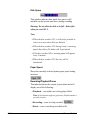
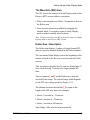
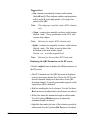
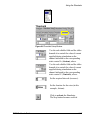
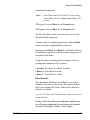
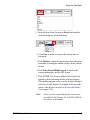
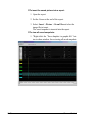
Using the mouse switching between modes is done by
opening the combo box with 5 options:
• Normal - Exit Burst A or Burst V modes
• Burst A - Enter Burst A mode
• Burst V - Enter Burst V mode
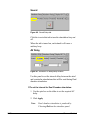
Burst Defaults:
The stimulation files Burst A and Burst V are used as
defaults on the start of a new case. The content of these
files is user defined.The labels of these files can not be
deleted of modified.
Note: F11, F12 keys and Stimulation mode combo box not active
during Playback.
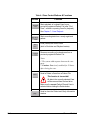
Caution : The G key will not start stimulation and the space
key will not stop stimulation if panels that use the keyboard
are open. For Example: -Patient - Notes - Report
EMS-XL User’s Guide
6-27