1
Managing Encrypted Disks
21
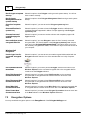
pages in wizards on the General tab of the R-Crypto Settings panel.
2
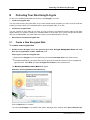
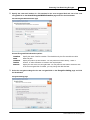
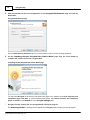
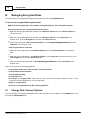
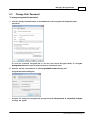
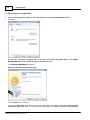
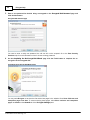
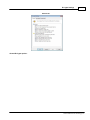
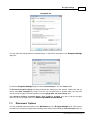
Select new encryption settings for the disk on the Encryption Setting page and click the Next
button.
Encryption Settings page
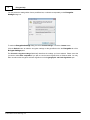
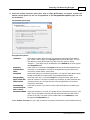
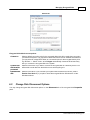
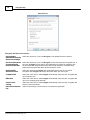
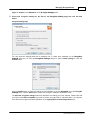
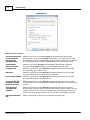
You may select the settings either from a predefined set, or select them separately on the Encryption
Settings dialog box. To reach the Encryption Settings dialog box select Custom settings or click the
Custom button.
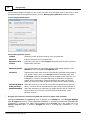
Click the Default button to make the settings as they specified on the the Encryption tab of the R-Crypto
Settings panel. Click the Reset button to return the encryption settings to the previous ones.
The Selected encryption settings field briefly describes the settings you have selected. Please note that
you need to select Best compatible if you plan to use the encrypted disk on Windows 2000. You may learn
more about the encryption and hash algorithms on the Cryptographic and Hash Algorithms topic.
© 2007-2009 R-Tools Technology, Inc.