1
264
Chapter 34. Printer Configuration
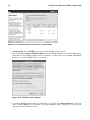
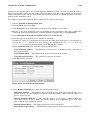
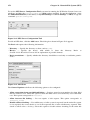
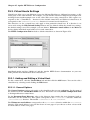
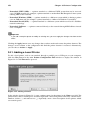
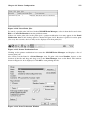
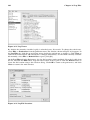
In the window shown in Figure 34-3, enter a unique name for the printer in the Name text field. The
printer name cannot contain spaces and must begin with a letter. The printer name may contain letters,
numbers, dashes (-), and underscores (_). Optionally, enter a short description for the printer, which
can contain spaces.
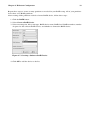
Select Networked JetDirect from the Select a queue type menu, and click Forward.
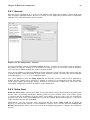
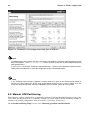
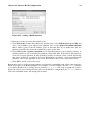
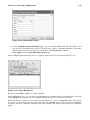
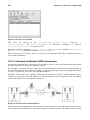
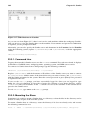
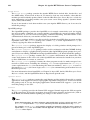
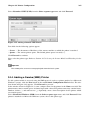
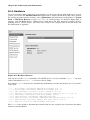
Figure 34-9. Adding a JetDirect Printer
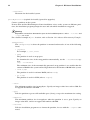
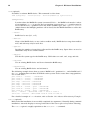
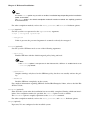
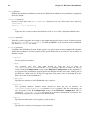
Text fields for the following options appear:
•
Printer — The hostname or IP address of the JetDirect printer.
•
Port — The port on the JetDirect printer that is listening for print jobs. The default port is 9100.
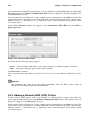
Next, select the printer type. Refer to Section 34.7 Selecting the Printer Model and Finishing for details.
34.7. Selecting the Printer Model and Finishing
After selecting the queue type of the printer, the next step is to select the printer model.
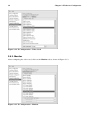
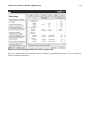
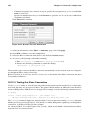
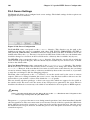
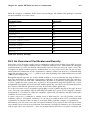
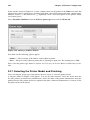
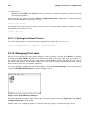
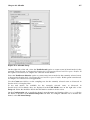
A window similar to Figure 34-10 appears. If it was not auto-detected, select the model from the
list. The printers are divided by manufacturers. Select the name of the printer manufacturer from the
pulldown menu. The printer models are updated each time a different manufacturer is selected. Select
the printer model from the list.