1
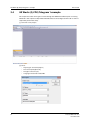
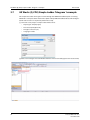
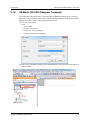
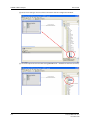
GX Works (Q-CPU) Telegram 102 example
Get Started
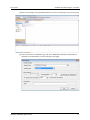
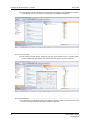
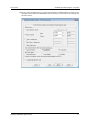
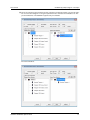
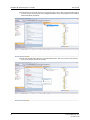
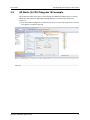
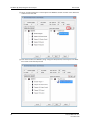
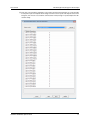
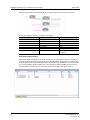
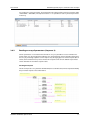
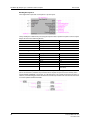
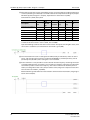
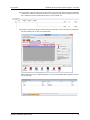
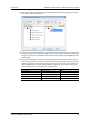
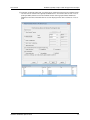
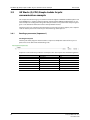
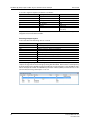
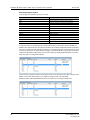
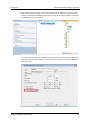
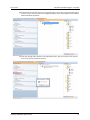
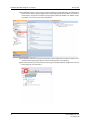
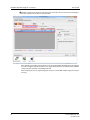
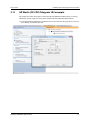
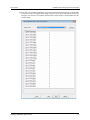
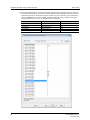
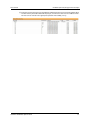
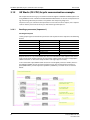
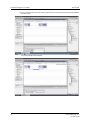
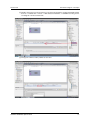
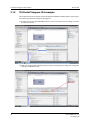
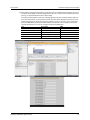
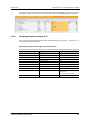
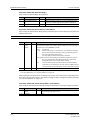
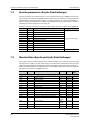
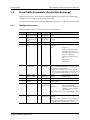
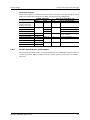
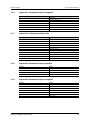
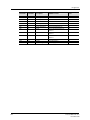
햶 The setup of the telegram is done by entering signal/parameter numbers into the right column. All monitor data can be viewed as input, and some of the profile parameters as input/
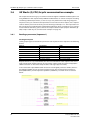
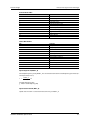
output. Please keep in mind, that not all parameters can be accessed via cyclic communication. The PROFIdrive parameter numbers (PNUs) available for use are listed in the Data Exchange subchapters 7.1to 7.4. An example setup is provided:
Slot
Output PZD/2
Input PZD/2
Input PZD/3
Input PZD/4
Input PZD/5
32
Description
Speed set point
Actual speed set point
Output frequency
Output voltage
Actual operation time
PNU
14317
14319
9193
9195
9215
Doc.Id. HMSI-216-127
Doc.Rev. 1.00