1
Performance Sentry User Manual
Alerts
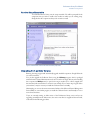
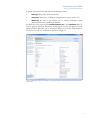
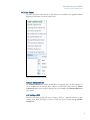
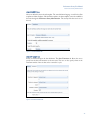
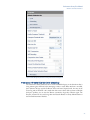
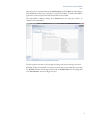
Alert recipients are customized through the Alert Recipients tab of the Alerts tab when editing a
DCS. By default, the Event Log is specified as a recipient for all Alerts. To add an email address,
right click on an alert recipient in the left-hand column and choose New.
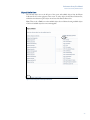
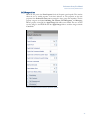
The email address is added by clicking on the Email button in the center pane. There is no
validation of the email address.
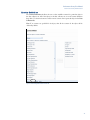
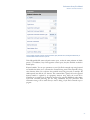
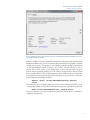
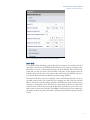
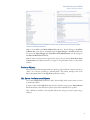
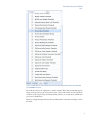
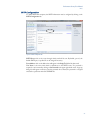
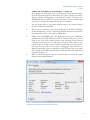
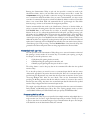
Figure 6.1 Alert Recipients after a new email recipient has been added.
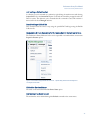
The alert recipient entry name can be changed by clicking on the text and entering a new name.
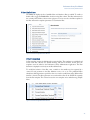
By default, all alerts are enabled for a recipient, but specific alerts may be enabled by un-checking
the All Alerts checkbox and selecting the alerts from the Available Alerts: list and adding them
to the Selected Alerts: column. See Figure 6.1 above.
97