1
741B/743B
Users Manual
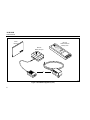
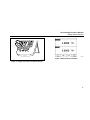
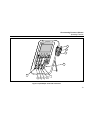
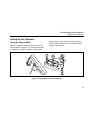
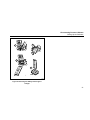
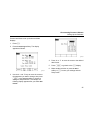
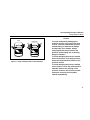
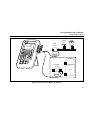
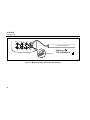
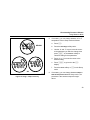
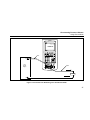
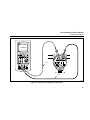
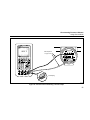
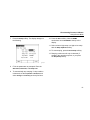
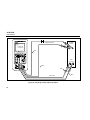
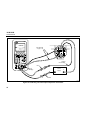
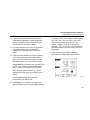
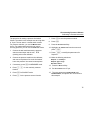
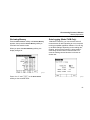
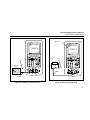
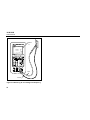
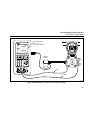
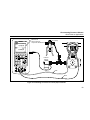
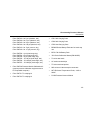
1. Connect a pressure module to the calibrator as
shown in Figure 12. The threads on the
pressure modules accept standard ¼ NPT pipe
fittings. Use the supplied ¼ NPT to ¼ ISO
adapter if necessary.
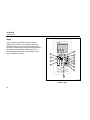
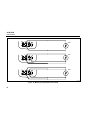
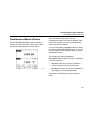
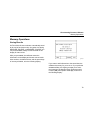
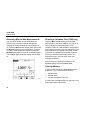
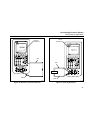
2. Press M for MEASURE mode.
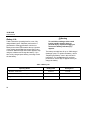
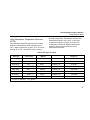
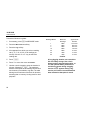
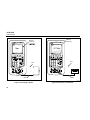
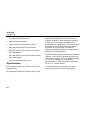
5. If desired, you can change pressure display
units to psi, mHg, inHg, mH2O, inH2O@,
2
inH2O@60°F, ftH2O, bar, g/cm , or Pa. Metric
units (kPa, mmHg, etc.) are shown in Setup
mode in their base units (Pa, mHg, etc.).
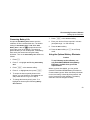
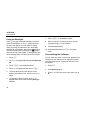
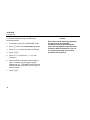
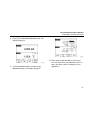
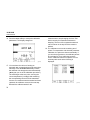
Change the pressure display units as follows:
a. Press s.
3. Press p. The calibrator automatically senses
which pressure module is attached and sets its
range accordingly.
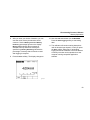
b. Press Next Page twice.
4. Zero the pressure module as described in the
module’s Instruction Sheet. Modules vary in
zeroing procedures depending on module type.
You MUST perform this step before you execute
a task that sources or measures pressure.
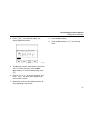
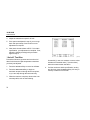
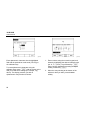
d. Select the pressure units with u or d.
c.
e. Press e.
f.
32
Press e or the Choices softkey with
the cursor on Pressure Units.
Press Done.