1
Documenting Process Calibrator
Using Source Mode
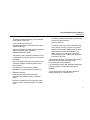
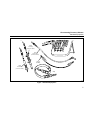
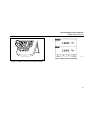
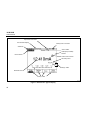
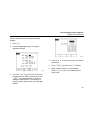
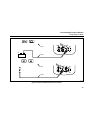
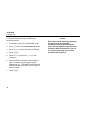
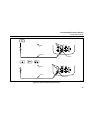
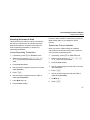
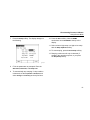
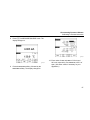
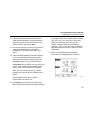
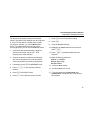
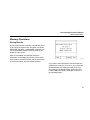
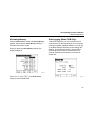
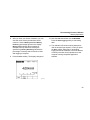
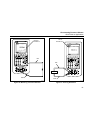
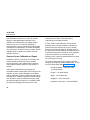
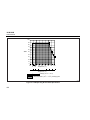
7. Press the Ramp softkey. The display changes to
the following:
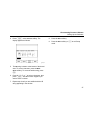
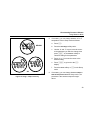
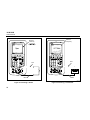
10. Press the Done softkey. Note the RAMP
annunciator next to SOURCE at the top of the
display.
11. Select a low-to-high ramp or a high-to-low ramp
with the Ramp Up/Down softkey.
12. To start ramping, press the Start Ramp softkey.
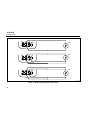
13. Ramping continues until a trip is detected (if
enabled), the ramp time expires, or you press
the Stop Ramp softkey.
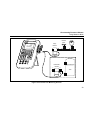
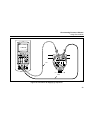
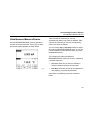
gj41s.eps
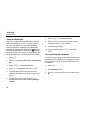
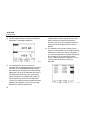
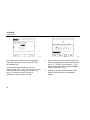
8. Fill in the parameters as prompted. Enter the
Start Value, End Value, and Ramp Time.
9. To automatically stop ramping if a trip condition
is detected, set the Trip Detect to Enabled, and
select Voltage or Continuity as the trip function.
61