1
Documenting Process Calibrator
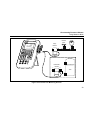
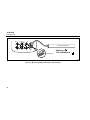
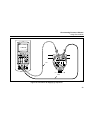
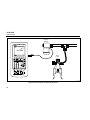
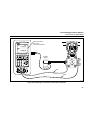
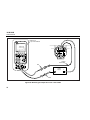
Calibrating a Process Instrument
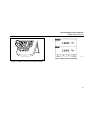
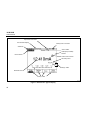
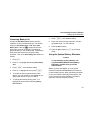
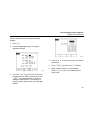
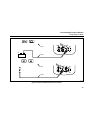
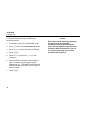
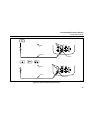
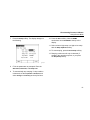
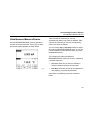
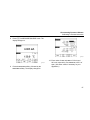
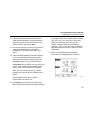
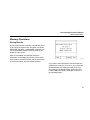
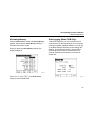
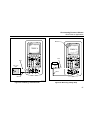
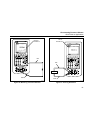
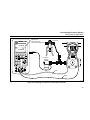
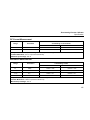
8. Press M for MEASURE/SOURCE mode. The
display changes to:
gj44s.eps
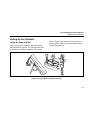
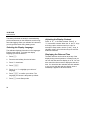
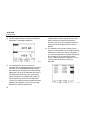
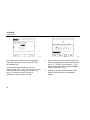
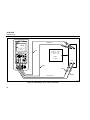
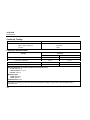
gj42s.eps
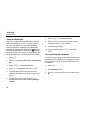
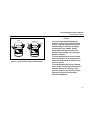
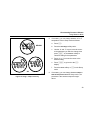
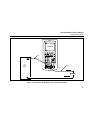
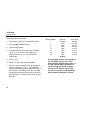
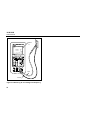
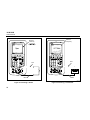
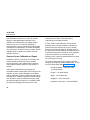
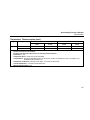
9. Press the As Found softkey, followed by the
Instrument softkey. The display changes to:
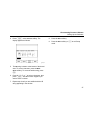
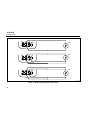
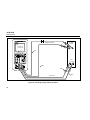
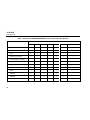
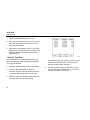
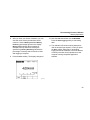
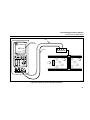
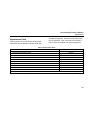
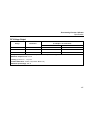
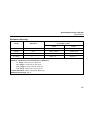
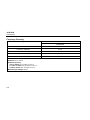
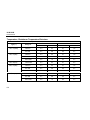
10. Enter values for 0% and 100% of 4.0 mA and
20.0 mA, respectively. Set Tolerance to 0.5% of
span. (Use other values if necessary for your
application.)
67