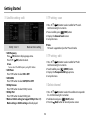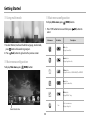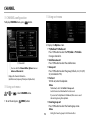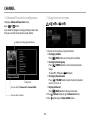
1
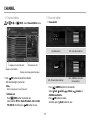
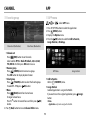
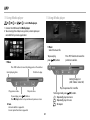
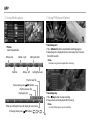
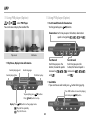
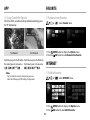
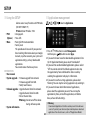
APP Using iMedia player or Using iMedia player . Select iMedia player. 1.Connect to USB device for iMedia player. 2.You can enjoy the video, music, picture, screen capture, or recorded file by camera application. Music Select the music file. To pause/play, press (OK) button. Video Press / buttons to move the pointer on seek bar. Press / buttons to move the plaing point on the seek bar. Current playing time. Total time to play. Setting the play list. (Add / Delete / Select All) Play the previous file / next file. Play previous video. Play next video. To change mode, press (OK) button. :Repeatedly play one music. :Repeatedly play all music. :No repeat. To pause/play, press (OK) button. Press (Stop) button to stop and move to previous screen. Note Unicode subtitle is supported. Screen capture function is supported. 21