1
SYNOPSIS TEXT BANNER
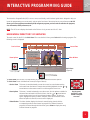
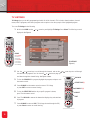
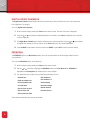
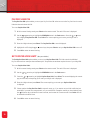
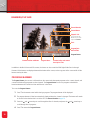
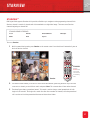
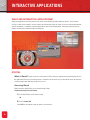
The Synopsis Text Banner shows a textual description of the program currently selected on the Program Banner.
To access the Synopsis Text Banner:
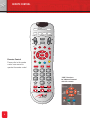
1 Press + while the Program Banner is displayed. The Synopsis Text Banner will be displayed over the video.
2 Press ? to remove the Synopsis Text Banner.
3 Press ? to remove the Program Banner
LANGUAGE BANNER
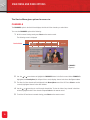
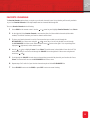
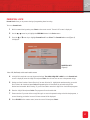
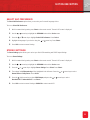
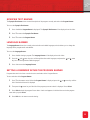
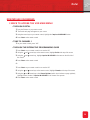
The Language Banner shows the currently selected audio and subtitle language, and also allows you to change the
language for the program audio and subtitles.
To access the Language Banner:
1 Press + while viewing a program. The Language Banner will be displayed over the video.
2 Press the
and
arrow keys to scroll through the other audio languages, and press the
keys to scroll through other subtitle languages.
and
arrow
3 Press + to remove the Language Banner.
SETTING A REMINDER WITHIN THE PROGRAM BANNER
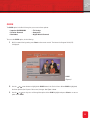
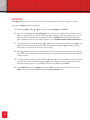
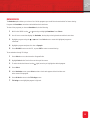
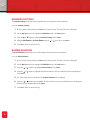
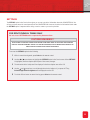
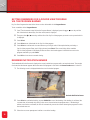
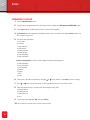
Programs that start in the future can also be set as reminders via the Program Banner.
To set a reminder via the Program Banner:
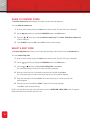
1 Press ? on the remote control. When the Program Banner is displayed, press the
or
arrow key until the
title of the desired channel is displayed
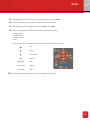
2 Then press the
arrow key until the title of the program you want to book is displayed. Press Select.
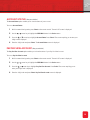
3 Press Select to book the program. Ensure that a check mark appears in the black box next to the program
name after you push Select.
4 Press Exit twice to return to normal viewing.
25