1
Extra fields / info fields in the log files and the GUI
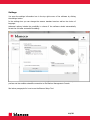
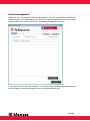
The extra/info fields are added by using the Blancco Setup Tool. Click the Management
Console Setup – button located in Settings. In the Setup Tool window (see below), choose
product “Blancco Flash”. In the “Extra Fields” – tab, add a new field by pressing the +
below.
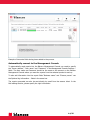
These fields are named Extra1, Extra2 or Info1, Info2 and so on (choose Extra or Info
fields depending on your current usage of the Blancco Management Console and how data
fields are integrated into other systems etc. The most common is to use the Extra fields.).
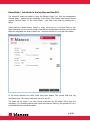
In the below example two extra fields have been added. One normal field and one
mandatory field. The names have been set to E1 and E2.
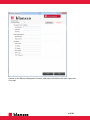
The fields will be white if you have chosen that they can be edited. Red if they are
mandatory (i.e. shredding cannot start unless the fields are filled in) and grayed out if it is
a disabled field that cannot be edited.
13/25