1
Network Recorder User Manual
Unparalleled Hardware Flexibility
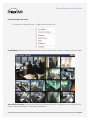
PTZ Controls
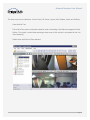
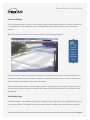
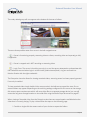
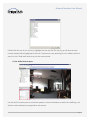
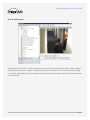
The ability to control PTZ operations for a PTZ capable camera is accessible from multiple locations in the
application while offering a slight variation in capability from each location.
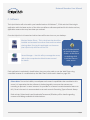
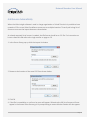
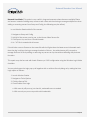
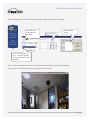
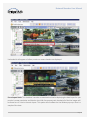
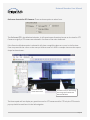
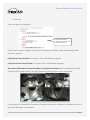
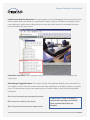
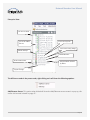
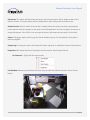
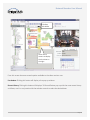
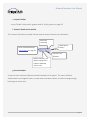
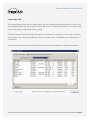
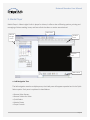
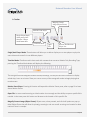
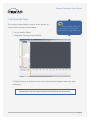
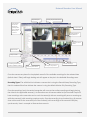
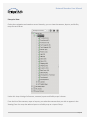
The View>Mini Toolbars>PTZ Controls pop-up is as follows:
Camera name
Will select the next PTZ
capable camera on the
server to mange
Use arrows
to pan left
right, up or
down
Once clicked will move
the camera to the next
saved preset location
Close or Open shutter if
exists on camera
Focus near or far
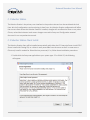
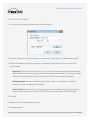
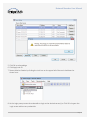
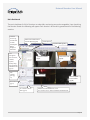
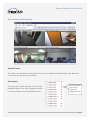
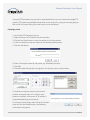
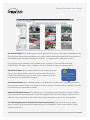
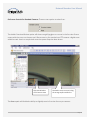
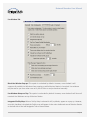
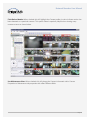
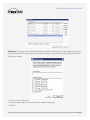
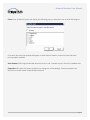
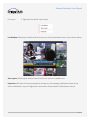
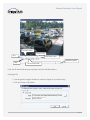
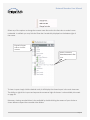
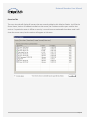
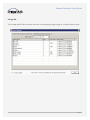
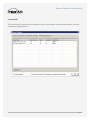
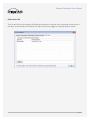
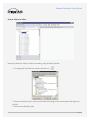
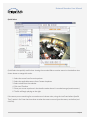
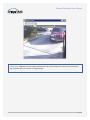
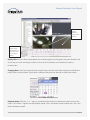
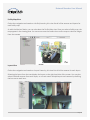
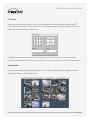
The Left Navigation Tree PTZ Controls pane is as follows:
PTZ sensitivity slider;
higher the setting the longer
distance one mouse click
will move. Setting it to
lowest position will require
multiple mouse clicks to
move the camera further.
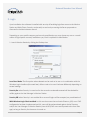
Also called Home button,
once pressed will return the
camera to the home position
if camera supports this
feature. This icon will not
appear if camera does not
support this feature.
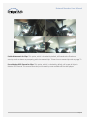
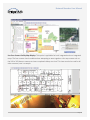
Digital Zoom
Joystick capability
Page 29