1
Meijer.com
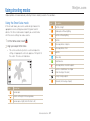
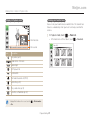
Using effect modes
Capture photos or record videos with various effects.
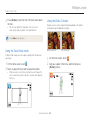
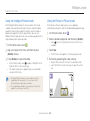
4 Half-press [Shutter] to focus.
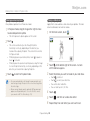
Using the Background Blur mode
The Background Blur mode makes the subject more discernible
by adjusting the depth of field.
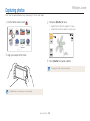
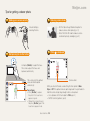
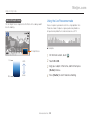
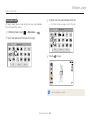
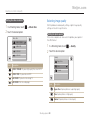
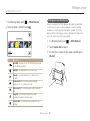
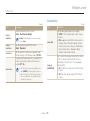
1 On the Home screen, touch .
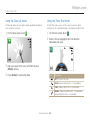
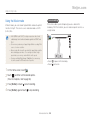
2 Position the camera according to the optimum distance
displayed on the screen.
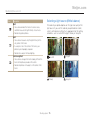
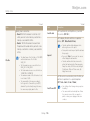
• When the camera can apply the Object Highlight effect,
will appear.
• When the camera cannot apply the Object Highlight effect,
will appear. If this occurs, adjust the distance from the
camera to the subject.
5 Press [Shutter] to capture the photo.
• The optimum distance will vary, based on the zoom ratio you
use.
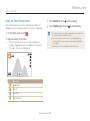
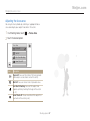
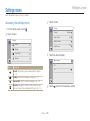
3 Drag the sliders or touch the sample photos to adjust
Blur and Tone.
• Available resolutions in Background Blur mode are
and
.
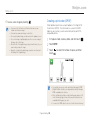
• If the shooting distance is not within the optimum range, you can
capture a photo but the Object Highlight effect will not be applied.
• The Object Highlight effect cannot be used in dark places.
• The Object Highlight effect cannot be used with the Optical zoom at
3X or higher.
• Digital zoom is not available in Background Blur mode.
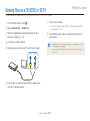
• Use a tripod to prevent camera shake as the camera captures 2
Blur
consecutive photos to apply the effect.
• The subject and the background should have a significant contrast
Tone
in color.
• Subjects should be positioned far away from the background for the
greatest effect.
Extended functions 52