1
Meijer.com
Adjusting brightness and color
Learn how to adjust the brightness and color for better image quality.
Adjusting the exposure manually (EV)
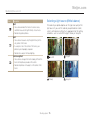
• Once you adjust the exposure, the setting will be stored
automatically. You may need to change the exposure value later to
avoid overexposure or underexposure.
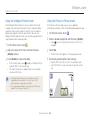
• If you cannot decide on an appropriate exposure, select AEB
(Auto Exposure Bracket). The camera will capture 3 consecutive
photos, each with a different exposure: normal, underexposed, and
overexposed. (p. 77)
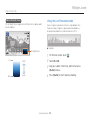
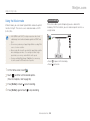
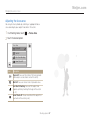
Depending on the intensity of the ambient light, your photos
may be too bright or dark. In these cases, you can adjust the
exposure to get a better photo.
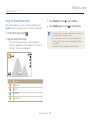
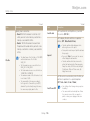
Darker (-)
Neutral (0)
Brighter (+)
→ EV.
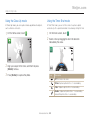
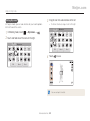
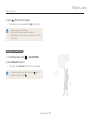
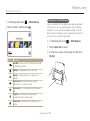
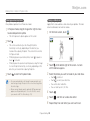
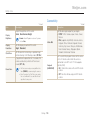
1 In a Shooting mode, touch
2 Select the desired exposure value by moving the slide
bar or using left and right +/- icons, and then touch
.
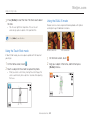
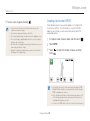
• The photo will be brighter as exposure increases.
• When you adjust the exposure value, the EV icon will appear
as shown below.
Shooting options 73