1
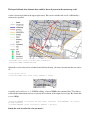
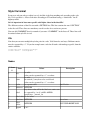
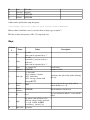
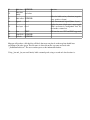
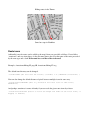
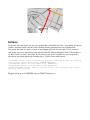
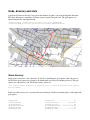
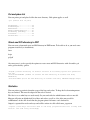
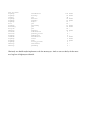
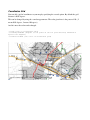
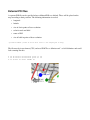
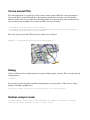
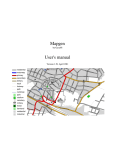
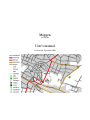
The legend will only show elements that would be drawn if present in the current map scale! A ruler is drawn by default in the upper right corner. This can be switched off as well. Additionally a color can be specified. -ruler=INT (0=no ruler; 1=draw ruler; DEFAULT=1) -rulercolor=TEXT (DEFAULT=black) Optionally a scale value can be calculated and added to the map. Of course the color for this text can be set. -scale (print scale) -scalecolor=TEXT (set scale color; DEFAULT = black) A specific scale can be set. i.e. 1:25.000 by adding scaleset=25000 to the command line. To be able to work with this information you have to specify the resolution of the output device in dpi. By default this is set to 300dpi. -scaleset=INTEGER (1:x preset for map scale; overrides -size=INTEGER! set correct printer options!) -scaledpi=INTEGER (print resolution; DEFAULT = 300 dpi) Setting the scale overrides the size parameter!