1
Calibrating an LVDT
Task 5
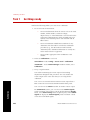
Set the zero and offset
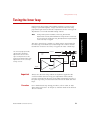
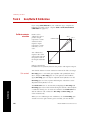
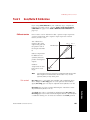
Establishing zero requires the actuator to be set at mid-displacement
when you calibrate the LVDT for equal amounts of actuator extension
and retraction.
Suppose you have an actuator with ±10 cm displacement—which
actually has a 20 cm displacement. Setting zero at mid-displacement
produces a displacement of ±10 cm (this is the most common
approach). However, you can set zero anywhere within the full scale
of the sensor, such as with the actuator fully extended or retracted to
produce a displacement range of 0 mm - 20 mm.
Before beginning, ensure the following are true:
•
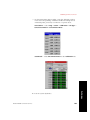
The Fine Zero adjustment is set to 0.
Stand-Alone—Path: Setup > Disp > Calibration > Fine Zero
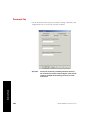
Automated—Adjust Fine Zero on the Calibration tab.
•
The Manual Offset is set to 0.
Stand-Alone—Path: Setup > Disp > Offset/Zero > Manual
Offset
Automated—Adjust Manual Offset on the Offset/Zero tab.
•
The Electrical Zero adjustment is set to 0.
Stand-Alone—Path: Setup > Disp > Offset/Zero > Electrical
Zero
Automated—Adjust Electrical Zero on the Offset/Zero tab
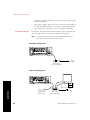
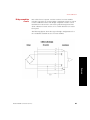
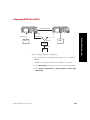
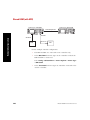
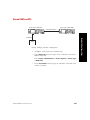
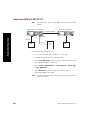
1. Mount the displacement measuring device.
Mount the measuring device to measure the distance between the
end of the actuator’s piston rod and a stationary point such as the
actuator’s upper endcap. There are a variety of ways to measure
actuator displacement:
Dial Indicator
•
Tape Measure/Ruler
•
Optical Detector
Calibration
Model 493.02 Controller Service
•
111