1
Calibrating a Force Sensor
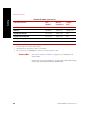
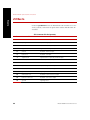
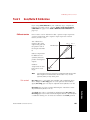
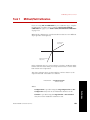
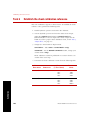
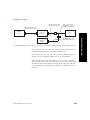
Conditioner Output Voltage
Gain = ----------------------------------------------------------------------------------------------------------Excitation Voltage × Compression mV/V
Where:
Conditioner Output Voltage is typically 10 Vdc.
Excitation Voltage is specified using the Excitation entry box on
the Calibration submenu or tab.
Compression is specified using the Negative Compression or
Positive Compressive entry box on the Calibration submenu or
tab.
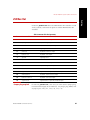
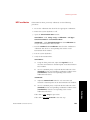
mv/v Positive Tension
Calibration
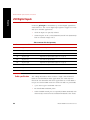
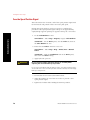
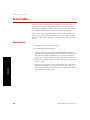
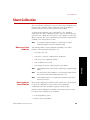
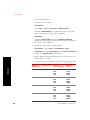
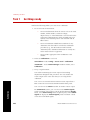
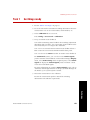
Use the following procedure if your force transducer is set up so that a
positive output represents actuator retraction (tension).
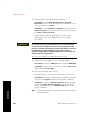
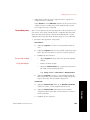
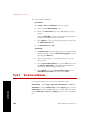
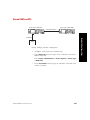
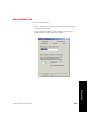
1. Select mv/v Pos Tension for your calibration type.
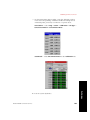
Stand-Alone— Path: Setup > Force > Calibration > Cal Type >
mv/v Pos Tension
Automated—Select mv/v Pos Tension for Cal Type on the
Calibration tab of the Inputs panel.
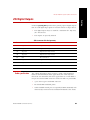
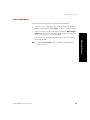
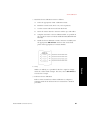
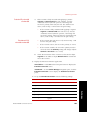
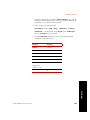
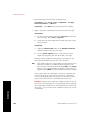
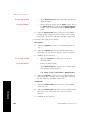
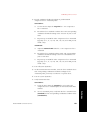
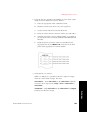
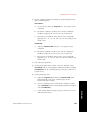
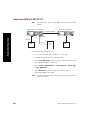
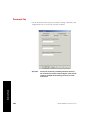
2. From the Calibration Data sheet for your force transducer enter
the following values on the Calibration submenu or tab:
Stand-Alone:
A.
Enter the full scale force values in the Minimum and
Maximum entry boxes.
B.
Enter the tension sensitivity value (+mV/v) in the Pos
Tension entry box.
C.
Enter the compression sensitivity value (-mv/V) in the Neg
Compression entry box.
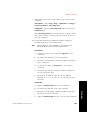
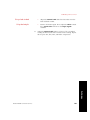
Calibration
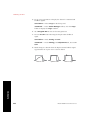
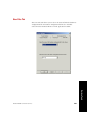
D. Enter the calibration excitation value (Vdc) in the Excitation
entry box.
154
Model 493.02 Controller Service