1
LTC Nursing Facility/Hospice User Guide
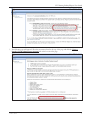
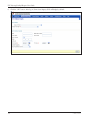
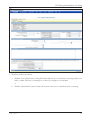
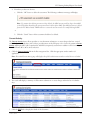
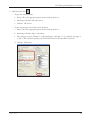
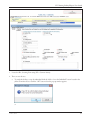
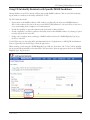
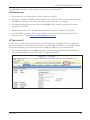
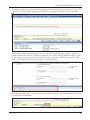
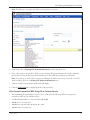
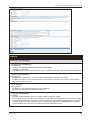
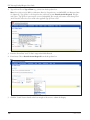
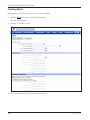
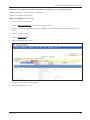
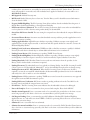
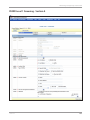
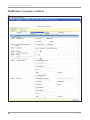
4. Choose the Alert Subject from the drop-down box. Each alert includes a standard message to the recipient.
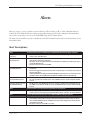
Nursing Facility users can create the following alerts:
–– Conduct PL1 Screening
–– Conduct PE - First Notification
–– Conduct PE - Second Notification
–– Complete IDD Section on the PE
–– Complete MI Section on the PE
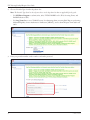
5. Enter the PL1 Screening Form DLN or PE DLN, if applicable.
6. Enter the Vendor No. and Contract No. for the LA/LMHA to whom the alert will be sent.
7. Enter individual identifying information.
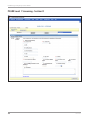
8. Click the “Send Alert” button. The Create Alert window will close and you will be returned to the Alerts page.
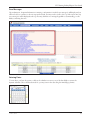
Deleting Alerts
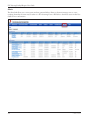
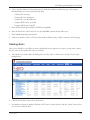
Alerts can be deleted by a user. When you have completed the action requested on an alert, you may want to delete
the alert. Once an alert is deleted it cannot be retrieved.
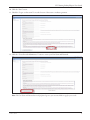
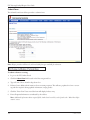
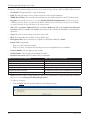
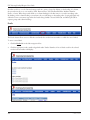
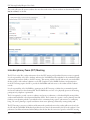
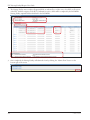
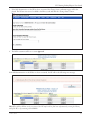
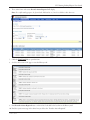
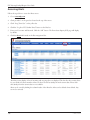
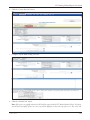
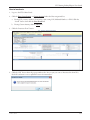
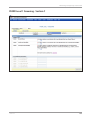
1. Select the alert you wish to delete by clicking the box in the “Select” column next to the alert. You can select
multiple alerts.
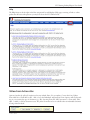
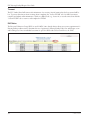
2. Click the “Delete Alert” button above the alert list.
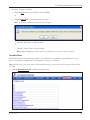
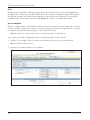
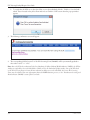
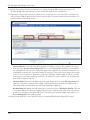
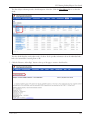
3. A confirmation message is displayed. Click the “OK” button to delete the alert, click the “Cancel” button if you
do not want to delete the alert.
v 2015 0716
139