1
4
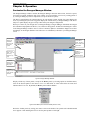
PARAGON MANAGER USER MANUAL
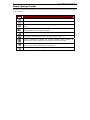
Paragon Manager Toolbar
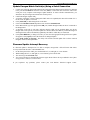
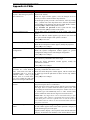
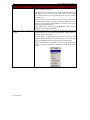
The Paragon Manager toolbar displays several most commonly used commands as shortcut buttons in order
to save you time.
BUTTON
COMMAND
Connect: Launches the login dialog for Paragon Manager
Disconnect: Disconnects the Paragon Manager session
Add User: Adds a new user account in Paragon Manager and the connected Paragon
system
Delete User: Deletes the user selected in the User View window from Paragon
Manager and the connected Paragon system
View By Channel: Displays the devices in the Device panel by Channel
View By Type: Displays the devices in the Device panel by Type
System Configuration: Launches the System properties Setting window for
Administrators to edit settings that all connected user stations will follow
Log File: Launches the Log Setting window for Administrators to configure event
filters, event severity, and locations of saved log files
Help: Launches the Paragon Manager online help manual