1
1.5 Making Call Features
1.5.4.7
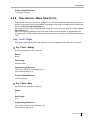
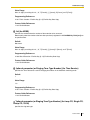
Special Carrier Access Code
Description
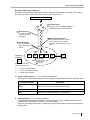
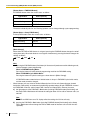
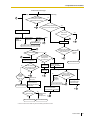
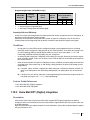
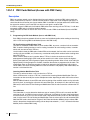
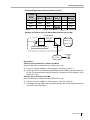
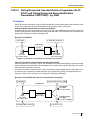
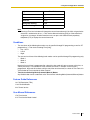
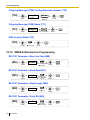
If the PBX has access to multiple telephone companies, a Special Carrier Access code assigned through
system programming (→ Special Carrier Access Code [303]) is required every time a CO line call is made.
A pause of a preprogrammed length (→ LCOT Pause Time [416]) will be automatically inserted between
the user-dialed Special Carrier Access code and the following digits. (→ 1.5.4.5 Pause Insertion)
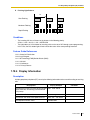
Conditions
•
•
1.5.5
1.5.5.1
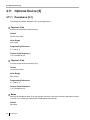
TRS
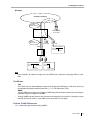
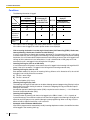
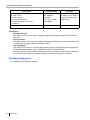
TRS checks only the dialed telephone number excluding the Special Carrier Access code. (→ 1.8.1 Toll
Restriction (TRS))
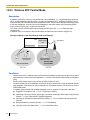
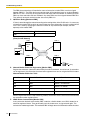
If this PBX is installed behind an existing host PBX:
A Special Carrier Access code and a Host PBX Access code should be assigned separately—these
codes cannot be assigned together as one code. (→ 1.5.4.6 Host PBX Access Code (Access Code to
the Telephone Company from a Host PBX))
Seizing a Line Features
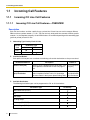
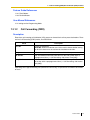
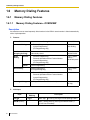
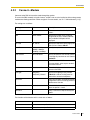
Seizing a Line Features—OVERVIEW
Description
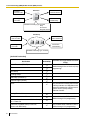
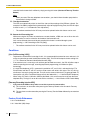
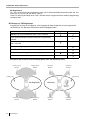
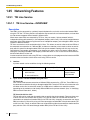
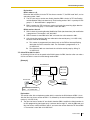
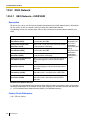
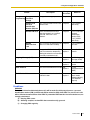
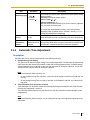
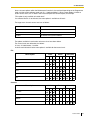
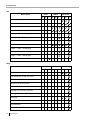
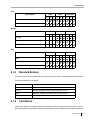
An extension user can select the line that is seized in order to make a call, using one of the following
features.
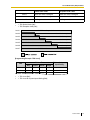
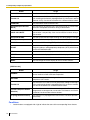
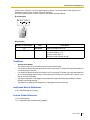
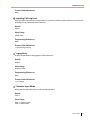
Feature
Description
Details in
Line Preference—
Outgoing
A user can select the line seized when going off-hook.
CO Line Access
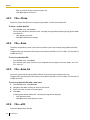
A user can select the CO Line Access method every time • 1.5.5.3 CO Line
a CO line call is made.
Access
1.5.5.2
• 1.5.5.2 Line
Preference—
Outgoing
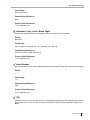
Line Preference—Outgoing
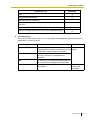
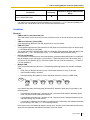
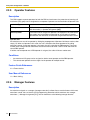
Description
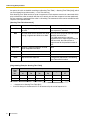
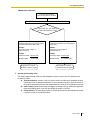
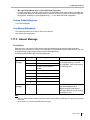
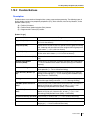
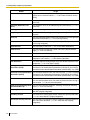
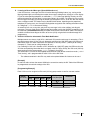
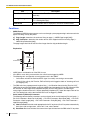
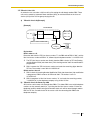
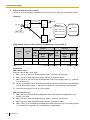
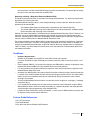
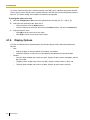
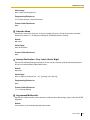
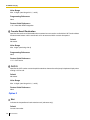
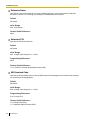
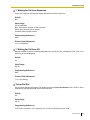
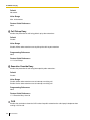
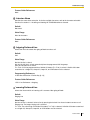
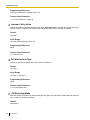
Through personal programming, a proprietary telephone (PT) user can select the preferred method of
seizing a line (Preferred Line Assignment—Outgoing) that is used each time the user goes off-hook.
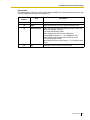
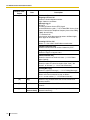
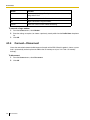
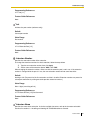
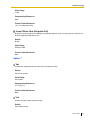
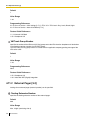
Method
Intercom
64
Feature Guide
Description
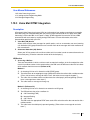
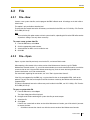
When an extension user goes off-hook, an extension line is selected
automatically.