1
Modules
9.
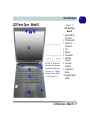
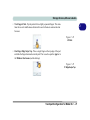
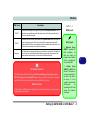
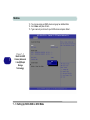
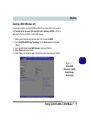
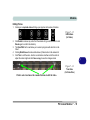
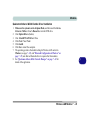
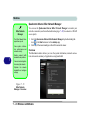
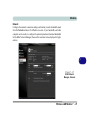
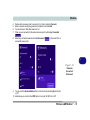
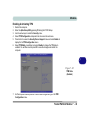
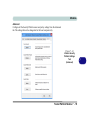
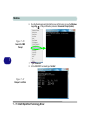
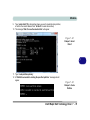
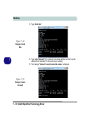
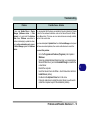
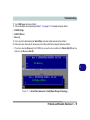
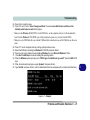
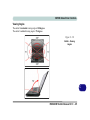
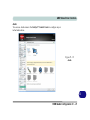
Type “select disk #” (# is disk number where you want to create the store partition,
so refer to the results obtained from "list disk" for exact disk number).
10. The message “Disk # is now the selected disk.” will appear.
Figure 7 - 62
Diskpart - Select
Disk #
7
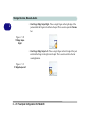
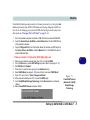
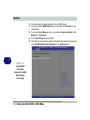
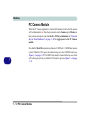
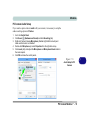
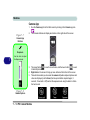
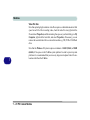
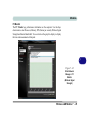
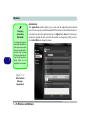
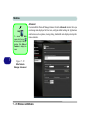
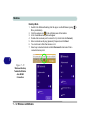
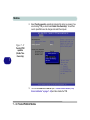
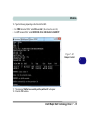
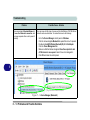
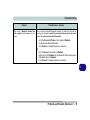
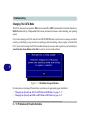
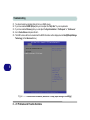
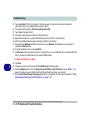
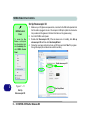
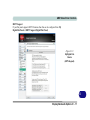
11. Type “create partition primary”.
12. A “DiskPart succeeded in creating the specified partition.” message should
appear.
Figure 7 - 63
Diskpart - Create
Partition
Intel® Rapid Start Technology Driver 7 - 79