1
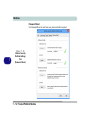
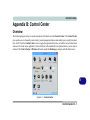
Control Center
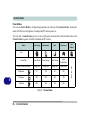
Power Modes
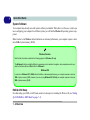
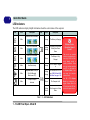
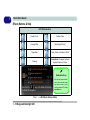
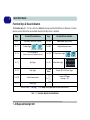
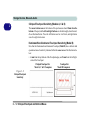
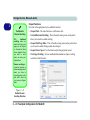
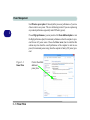
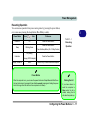
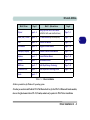
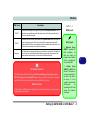
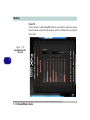
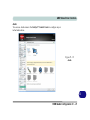
You can set a Power Mode by clicking the appropriate icon at the top of the Control Center. Each power
mode will affect screen brightness, Touchpad and PC camera power etc.
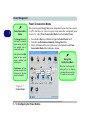
You can click a Control Center icon to set an overall power mode and then click individual icons in the
Control Center to power on/off the Touchpad and PC camera.
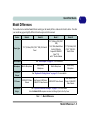
Modes
Power Saving
Entertainment
Quiet
Performance
Power Plan
Power Saver
Power Saving
Power Saving
High
Performance
Power Conservation Mode
Energy Star
Energy Star
Energy Star
Performance
Brightness
10
100
40
100
PC Camera
OFF
OFF
ON
ON
TouchPad
ON
ON
ON
ON
User
Defined
Icon
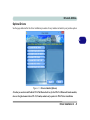
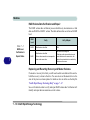
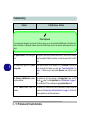
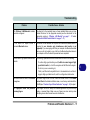
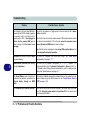
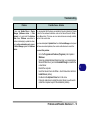
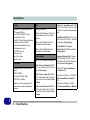
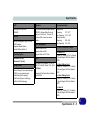
Table B - 1- Power Modes
B - 2 Control Center
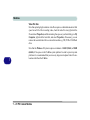
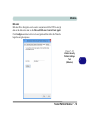
User Defined
B