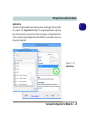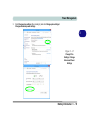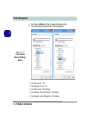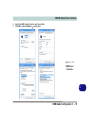
1
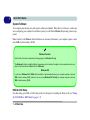
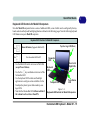
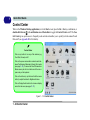
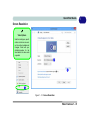
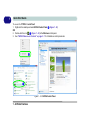
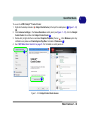
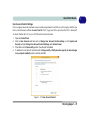
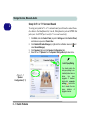
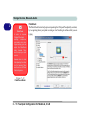
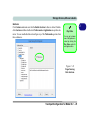
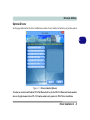
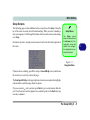
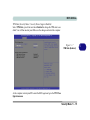
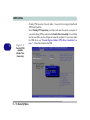
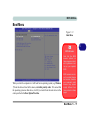
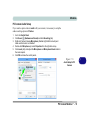
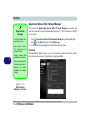
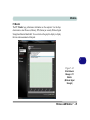
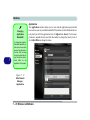
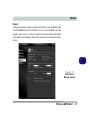
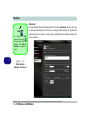
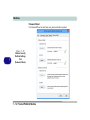
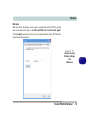
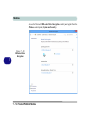
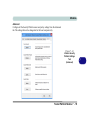
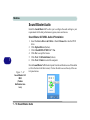
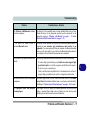
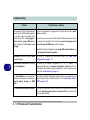
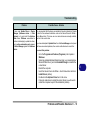
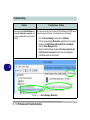
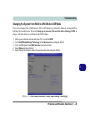
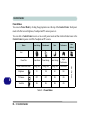
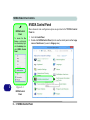
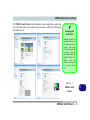
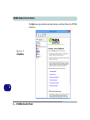
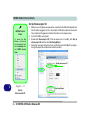
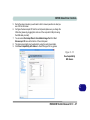
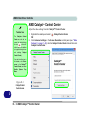
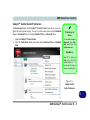
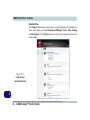
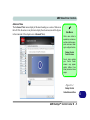
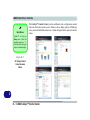
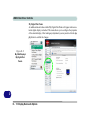
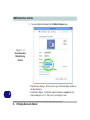
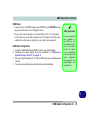
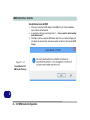
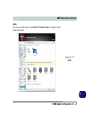
AMD Video Driver Controls Catalyst™ Control Center Preferences The Preferences button in the Catalyst™ Control Center menu allows you to configure the control panel settings. You can view the control panel in either Standard View or Advanced View. To display Standard View or Advanced View: 1. 2. Open the Catalyst™ Control Center. Click the Preferences button and select either Advanced View or Standard View. Preferences & Views You can switch between Advanced and Standard views from the Preferences menu. Help Menus Right-Click for Menu Press F1 to bring up Help menu. Click the question mark icon in the top right to bring up help on a specific page. Figure D - 2 Catalyst Control Center Preferences D AMD Catalyst™ Control Center D - 3