1
FUNCTION
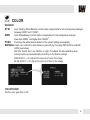
SHARPNESS
Sets the image sharpness. The higher the number, the sharper the image.
0 ~ 10
GAMMA
0.45 ~ 0.65
Select the desired gamma level. 0.55 is default setting.
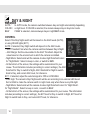
MIRROR / FLIP
OFF
MIRROR
FLIP
Reflects the camera horizontally.
Reflects the camera vertically.
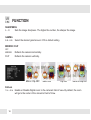
Mirror / Flip OFF
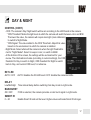
D-Zoom
1.0x ~ 8.0x
18
Mirror ON
Flip ON
Mirror & Flip ON
Enable or Disable Digital zoom to the camera’s field of view. By default, the zoom
will go to the center of the camera’s Field of View.