1
TANK-600 Em b e d d e d S ys te m
A.6.1 Co n fig u re DHCP S e rve r S e ttin g s
S te p 1:
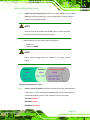
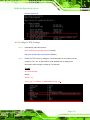
Install the DHCP
#yum install dhcp (CentOS, commands marked in red)
#apt-get install dhcp3-server (Debian, commands marked in blue)
S te p 2:
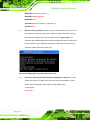
Confirm the operating system default settings: dhcpd.conf.
CentOS
Use the following command to show the DHCP server sample location:
#vi /etc/dhcpd.conf
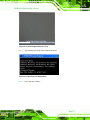
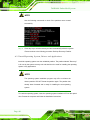
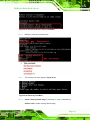
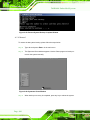
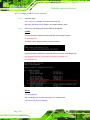
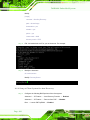
The DHCP server sample location is shown as below:
Use the following command to copy the DHCP server sample to etc/dhcpd.conf:
#cp /usr/share/doc/dhcp-3.0.5/dhcpd.conf.sample /etc/dhcpd.conf
#vi /etc/dhcpd.conf
Debian
#vi /etc/dhcpd.conf
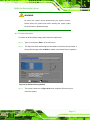
Edit “/etc/dhcpd.conf” for your environment. For example, add
next-server PXE server IP address;
P a g e 102