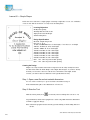
1
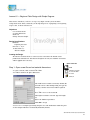
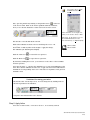
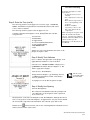
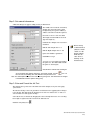
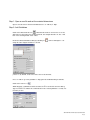
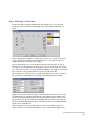
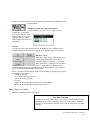
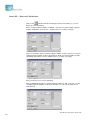
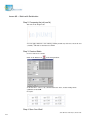
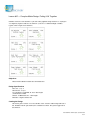
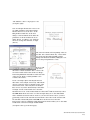
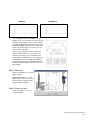
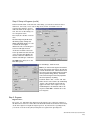
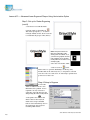
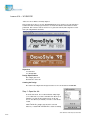
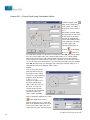
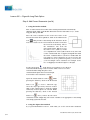
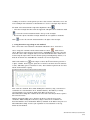
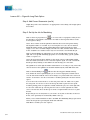
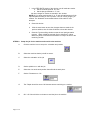
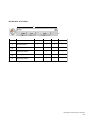
Now add the text “ 1998” into the Text after text box and see what happens.
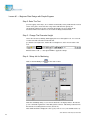
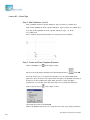
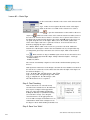
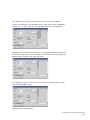
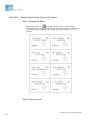
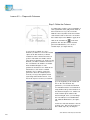
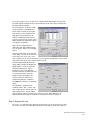
Another interesting way to use this dialog involves using letters. Click on Alphabetic
and enter “A”, “1” and “I” into the Start, Step and End text boxes. Click Preview.
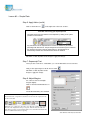
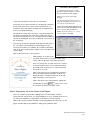
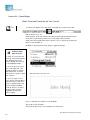
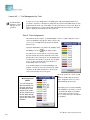
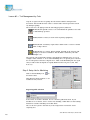
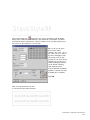
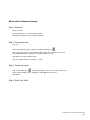
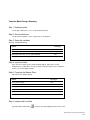
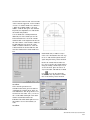
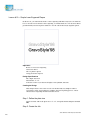
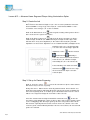
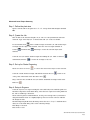
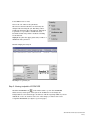
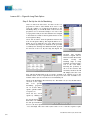
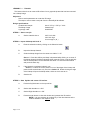
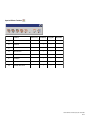
And finally, here’s one more interesting way to use this dialog. Enter the parameters as
shown below. This is how to get the numbers to decrement. Also, you can make the
numbers skip by entering a Step value other than 1.
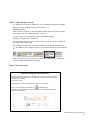
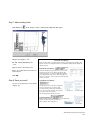
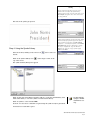
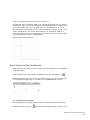
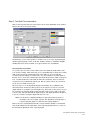
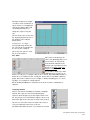
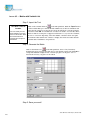
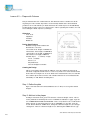
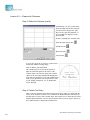
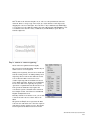
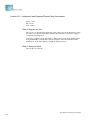
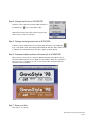
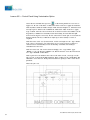
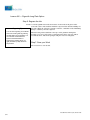
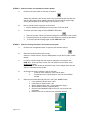
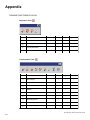
To complete this exercise enter the values as shown below. Click Preview to check
your work. Click OK to accept.
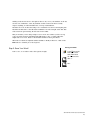
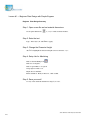
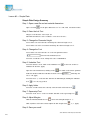
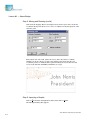
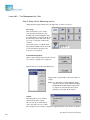
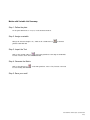
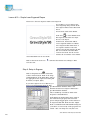
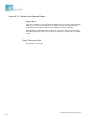
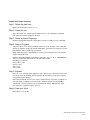
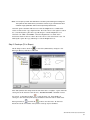
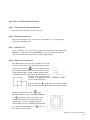
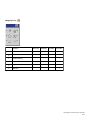
Click End on the Variables dialog.
New Hermes GravoStyle V98 Tutorial
4-63