1
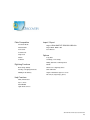
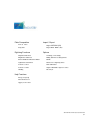
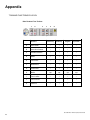
Plate Composition
Import / Export
Automatic Mode
Import HPGL-BMP-TIFF-EPS-DFX-IGES-ISO
Manual Mode
Export DFX - HPGL - EPS
Text in Arc
Laser Drivers
Vertical Text
Angle Text
Options
Matrix
Long Plate
Columns
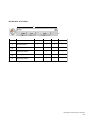
Scanning / Vectorizing
Filling and 2D Tool Management
Digitizing Functions
Braille
Basic Shape Library
Drivers for competing tables
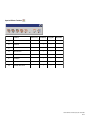
Moving, re-shaping Functions
Dials and Rules
Drilling Point Library
Single & multi-line engraver’s fonts
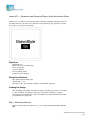
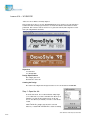
PhotoStyle (engraving a photo)
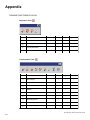
Help Functions
Grid / Guide Lines
Layer / Color
WYSIWYRE
Spell Check Access
New Hermes GravoStyle’98 Tutorial
4-5