Download CubeSuite+ V1.03.00 Integrated Development Environment User`s
Transcript
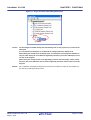
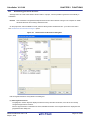
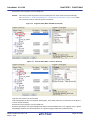
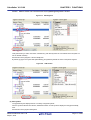
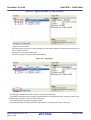
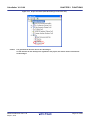
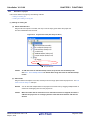
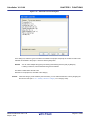
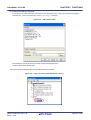
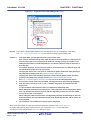
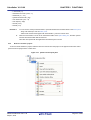
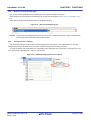
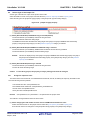
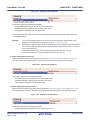
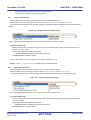
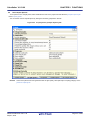
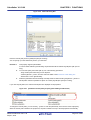
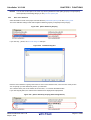
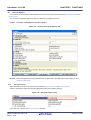
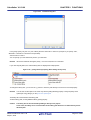
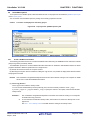
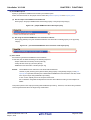
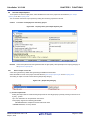
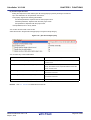
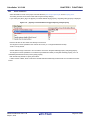
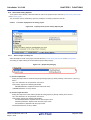
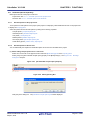
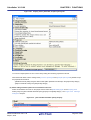
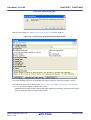
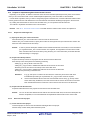
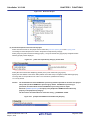
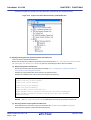
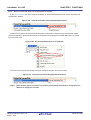
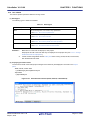
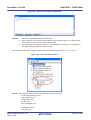
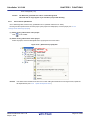
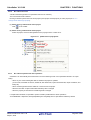
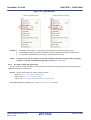
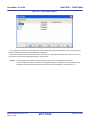
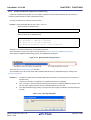
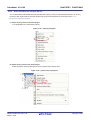
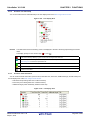
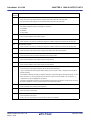
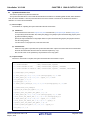
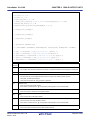
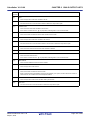
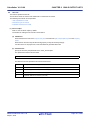
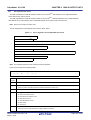
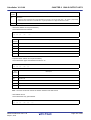
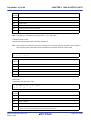
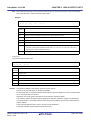
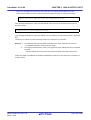
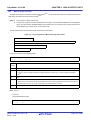
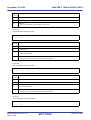
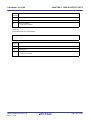
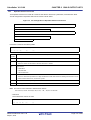
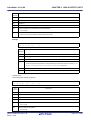
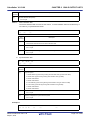
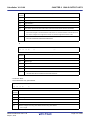
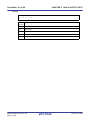
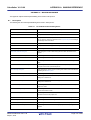
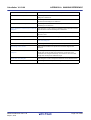
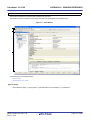
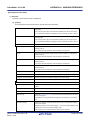
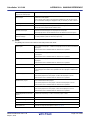
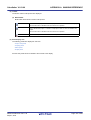
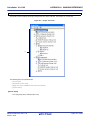
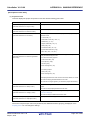
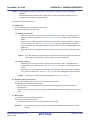
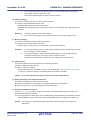
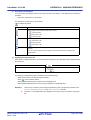
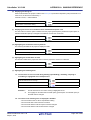
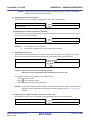
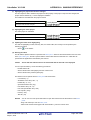
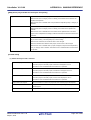
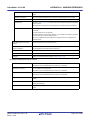
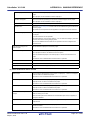
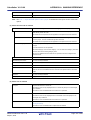
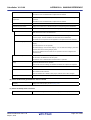
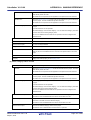
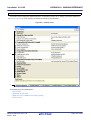
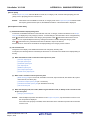
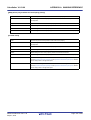
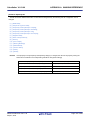
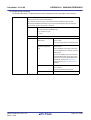
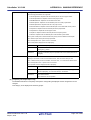
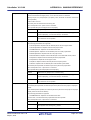
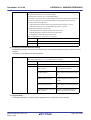
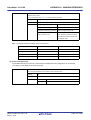
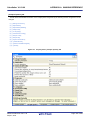
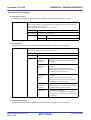
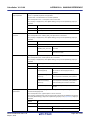
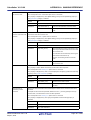
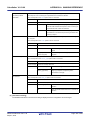
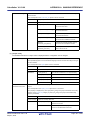
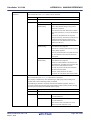
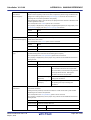
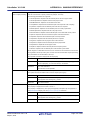
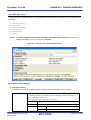
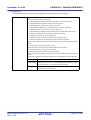
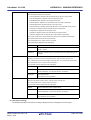
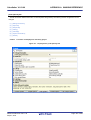
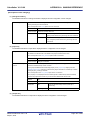
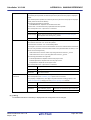
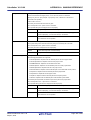
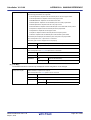
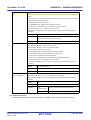
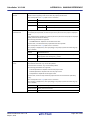
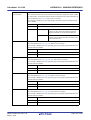
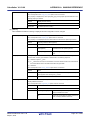
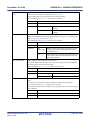
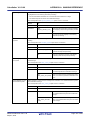
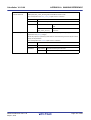
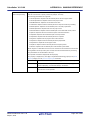
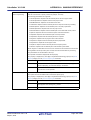
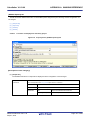
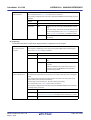
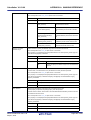
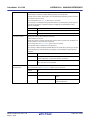
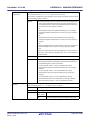
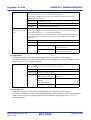
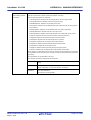
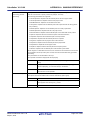
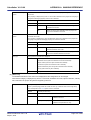
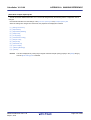
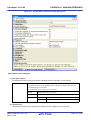
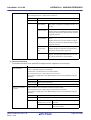
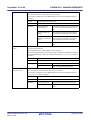
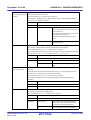
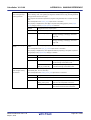
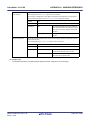
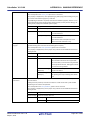
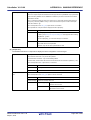
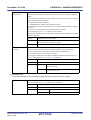
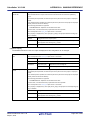
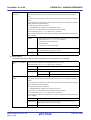
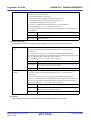
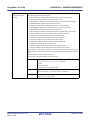
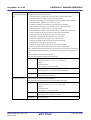
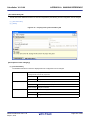
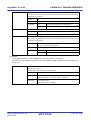
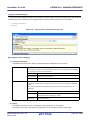
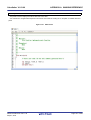
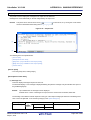
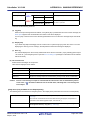
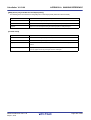
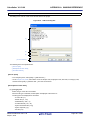
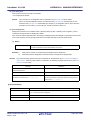
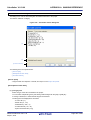
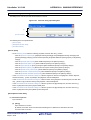
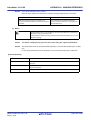
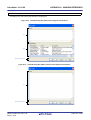
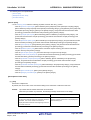
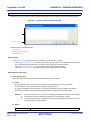
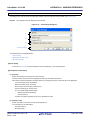
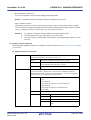
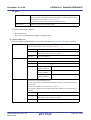
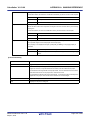
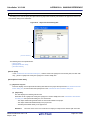
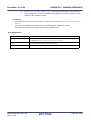
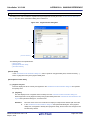
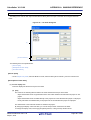
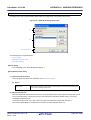
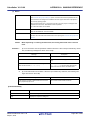
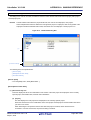
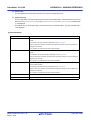
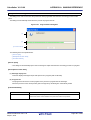
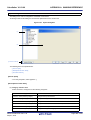
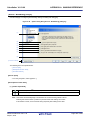
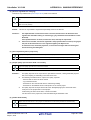
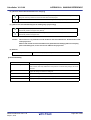
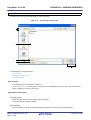
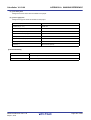
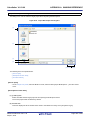
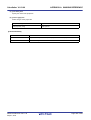
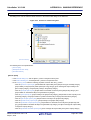
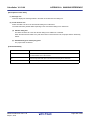
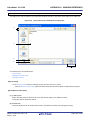
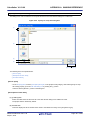
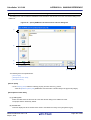
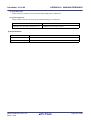
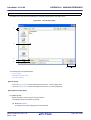
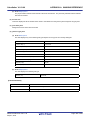
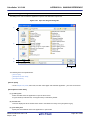
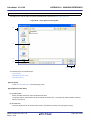
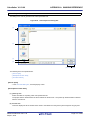
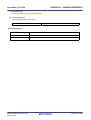
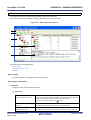
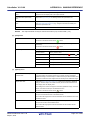
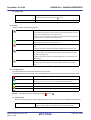
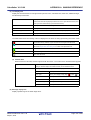
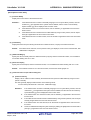
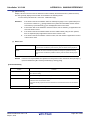
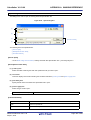
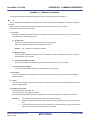
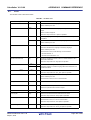
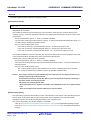
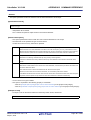
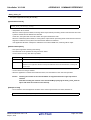
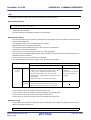
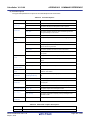
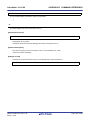
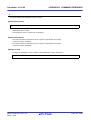
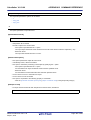
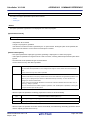
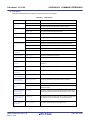
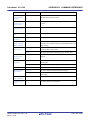
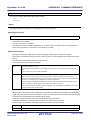
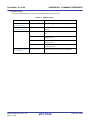
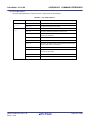
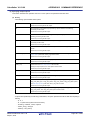
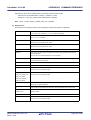
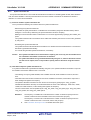
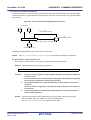
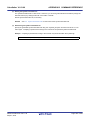
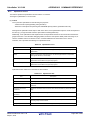
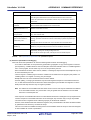
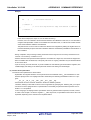
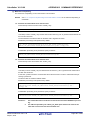
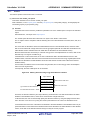
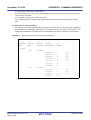
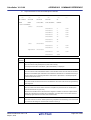
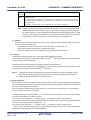
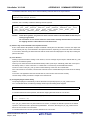
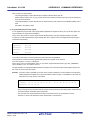
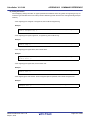
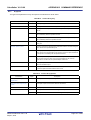
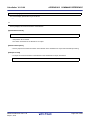
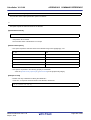
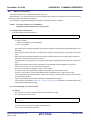
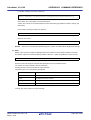
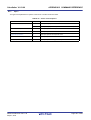
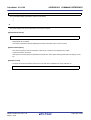
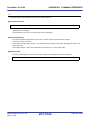
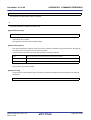
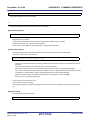
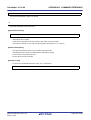
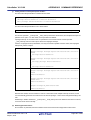
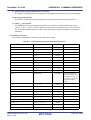
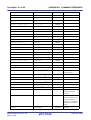
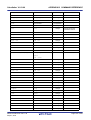
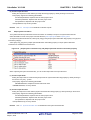
CubeSuite+ V1.03.00 APPENDIX A WINDOW REFERENCE (d) [Help] menu skcx Help Displays the help of this window. Functions in the same manner as the About skcx... button. Opens the Version Information dialog box of the stack usage tracer. (2) Toolbar This area consists of the following buttons. Opens the Save As dialog box for saving the call chain with the greatest total stack size (including the stack size of callee functions) of the function selected in the tree display area / list display area to an output result file. Functions in the same manner as when [Save Call Chain with Maximum Stack from Selected Function...] is selected from the [File] menu. Recalculates the total stack size. Function in the same manner as when [Recalculate Stack Size] is selected from the [View] menu. Forcibly stop the action of the stack usage tracer (e.g. recalculating the total stack size). Functions in the same manner as when [Stop] is selected from the [View] menu. Opens the Adjust Stack Size dialog box to change the information (additional margin, recursion depth, and callee functions) for the function selected in the tree display area / list display area. Functions in the same manner as when [Adjust Stack Size...] is selected from the [Option] menu. Displays the help of this window. Functions in the same manner as when [skcx Help] is selected from the [Help] menu. (3) Tree display area The calling relationship of the functions is shown in tree format. The table below shows the meaning of the icon displayed to the left of the string representing the function name. The function directly called by a given function with the largest total stack size Information (additional margin, recursion depth, or callee functions) has been modified via the Adjust Stack Size dialog box or a stack size specification file Recursive function The stack usage tracer has not acquired any stack information for this function Other than the above Remark The display priority for icons is from High: to Low: . (a) Context menu Select a function in this area, and then right click with the mouse. The context menu described below appears. Adjust Stack Size... Opens the Adjust Stack Size dialog box to change the information (additional margin, recursion depth, and callee functions) for the selected function. R20UT2142EJ0100 Rev.1.00 Sep 01, 2012 Page 315 of 620
Related documents
CubeSuite Ver.1.40 Integrated Development Environment User`s
RH850 Build - Renesas Electronics
CubeSuite Ver.1.40 Integrated Development Environment User`s
CubeSuite+ V2.00.00 Integrated Development Environment User`s
Oracle®Virtual Compute Appliance X3-2
CubeSuite+ V1.00.00 Integrated Development Environment User`s
CubeSuite+ V2.02.00 User`s Manual: RX Build
CubeSuite+ V1.01.00 Integrated Development Environment User`s
CA850 Ver. 3.20 C Compiler Package Operation UM
CA830, CA850 C COMPILER PACKAGES OPERATION