1
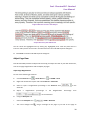
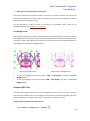
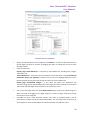
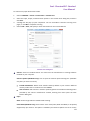
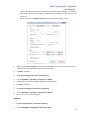
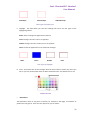
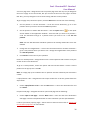
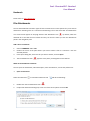
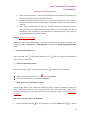
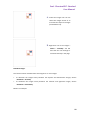
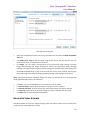
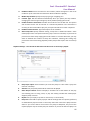
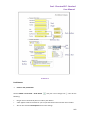
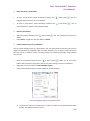
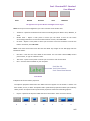
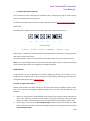
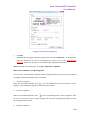
Foxit PhantomPDF Standard User Manual Shape Object Properties Stroke Color: The stroke color is used to paint the border of paths and text that are stroked. Fill Color: The fill color is used to paint the interior of paths and text characters that are filled. Line Width: The line width specifies the thickness of the line used to stroke a path and is measured in user space units. A line width of 0 specifies the thinnest line that can be rendered on the output device. The default value is 1. Note: A line width of 0 is an inherently device-dependent value. Its use is discouraged because the line may be nearly invisible when printing on high-resolution devices. Miter limit: When two line segments meet at a sharp angle it is called a Miter join and have been specified as the line join style. It is possible for the miter to extend far beyond the thickness of the line stroking the path. The miter limit imposes a maximum on the ratio of the miter length to the line width, as shown in the following figure. When the limit is exceeded, the join is converted from a miter to a bevel. The value for miter limit is a number that must be greater than or equal to 1, and has a default value of 10. Miter length 104