1
73
Complete Time Tracking Standard v3.12
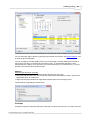
To save a report click the Save report button on the toolbar.
TIP
To export the raw data in Microsoft Excel Spreadsheet (XLS), Comma Separated (CSV), Tab
delimited, Microsoft Word, HTML or XML formats use the Export option.
Report Customization
The program options allow you can choose whether the selected category and date range appear
in the title area of the report.
See also:
Reports Overview
Data View
Export Reports
Program Options
6.3
Data View
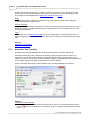
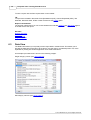
The Data button allows you to quickly see the report data in a table format. This allows you to
preview the data before exporting it to file and to copy the data, or a selected portion of it, to the
clipboard for pasting into another application such as Microsoft Excel.
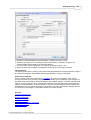
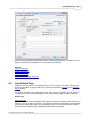
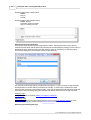
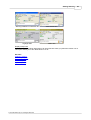
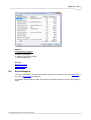
An example report data view is shown in the following images.
Single category column (see report options):
Subcategory columns (see report options):
© 2012 Backslash Pty Ltd. All Rights Reserved.