1
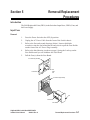
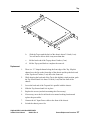
Fan
Left Fan
Connector
Right Fan
Connector
Right Fan
2.
Left Fan
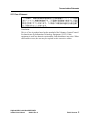
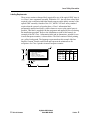
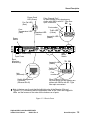
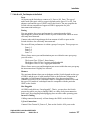
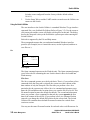
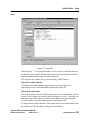
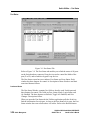
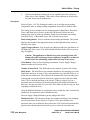
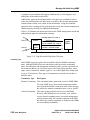
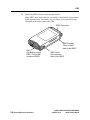
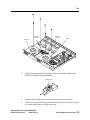
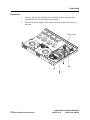
Unplug the appropriate Fan Connector. Refer to the following drawing.
Press the Connector Latch and unplug.
Connector Latch
3.
Remove and save the three screws that secure the fan to the chassis.
4.
Lift the fan from the chassis paying attention to how the Fan cable is routed
so you can install the new one the same way.
GigWorks MKII-8 Switch Model MKII-BASE8
Installer's/User's Manual
59004-01 Rev. A
Removal/Replacement Procedures
5-9