1
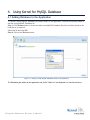
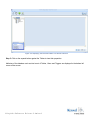
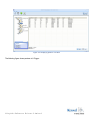
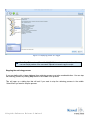
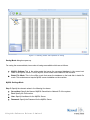
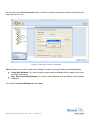
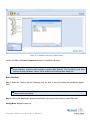
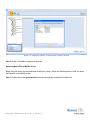
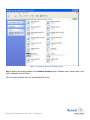
Figure 4.11: Displaying summary of objects saved Finally, click OK on Process Completed Window to complete the process. Note: Free Trial version of the software allows seeing preview of the recovered data but it has some limitations. It does not allow saving the retrieved data. Besides, “Test Connection” and “Save Data into Existing Database” options will be disabled on the Saving Mode dialog box. Batch File Mode Step 1: Select the Table(s) and the Property(s) that you want to save by marking the checkboxes against them. Note: The Objects (Keys, Triggers, and Views) cannot be selected until you have selected the Table to which they belong. Step 2: Click on the Save button present at the bottom right corner of the screen or under File menu. Saving Mode dialog box opens up. ©L e pide Sof t w a r e P r iva t e L im it e d