1
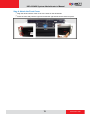
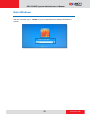
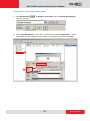
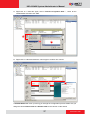
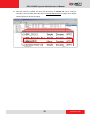
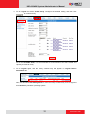
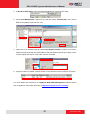
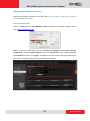
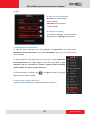
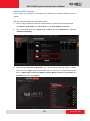
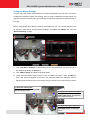
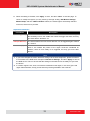
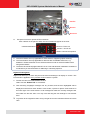
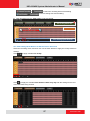
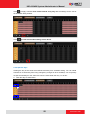
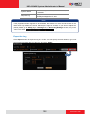
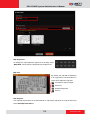
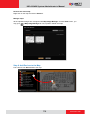
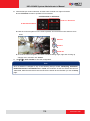
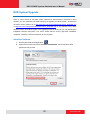
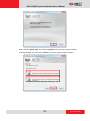
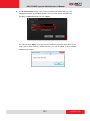
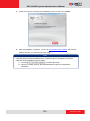
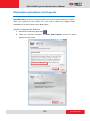
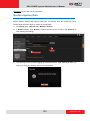
INR-410/420 System Administrator’s Manual Export the Log on page 102 for instructions. Restore System Data Before starting restoring the system, make sure you already have the backup file (.xml). Please follow the below steps to restore the configuration. 1. Go to Setup page System tab Backup / Restore. 2. In Restore section, click “Browse” to select the backup file, and then click “Restore” to start restoring the settings. 1 2 3. The restoring process requires logging out of the NVR server. After restoring is done, you may log in using your previous user account properties. 139 www.acti.com