1
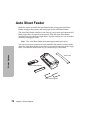
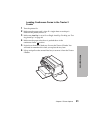
Loading Continuous Forms in the Tractor 2
Feeder
1
2
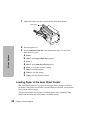
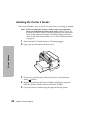
Turn the printer On.
3
Make sure AutoGap is set to On or Single AutoGap. For help, see “Setting AutoGap” on page 44.
4
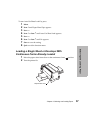
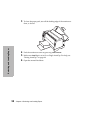
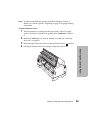
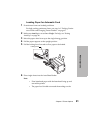
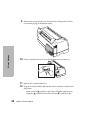
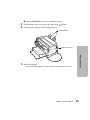
Make sure the paper select lever is pushed down in the
continuous forms position.
5
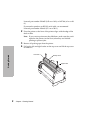
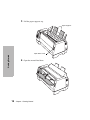
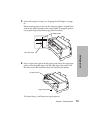
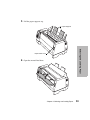
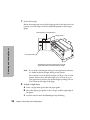
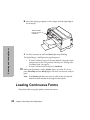
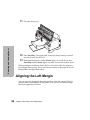
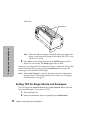
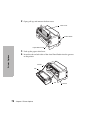
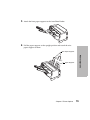
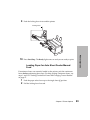
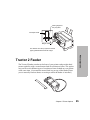
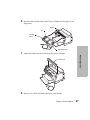
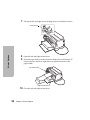
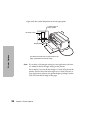
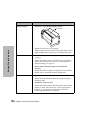
Notice how the manual feed tray fits onto the Tractor 2 Feeder. You
will need to remember this when you replace the tray later.
6
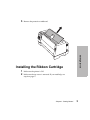
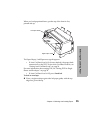
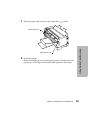
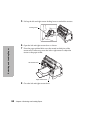
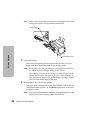
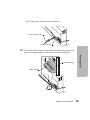
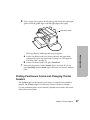
Lift up and pull out the manual feed tray to remove it from the Tractor
2 Feeder.
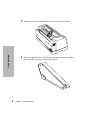
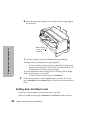
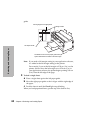
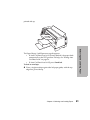
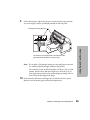
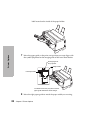
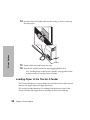
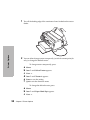
Make sure the paper path is clear. If a single sheet or envelope is
loaded in the printer, remove it.
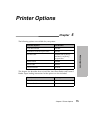
Printer Options
Chapter 5: Printer Options
91