1
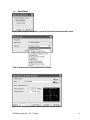
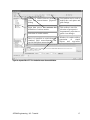
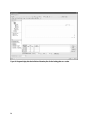
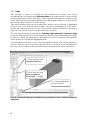
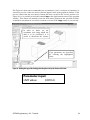
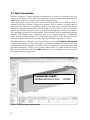
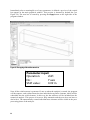
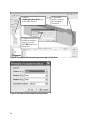
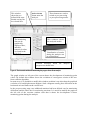
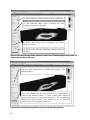
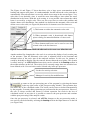
Buttons to switch between geometry
view and macroelement properties
dialog.
Grid toolbar can be used to
modify the work-plane and
grid settings.
Input data access tree activates the
definition of various entities.
Selection of visible entities.
This toolbar is used for
selection of perspective/
isoparametric projection or
quick view changes.
Here it is possible to switch between
standard solid macroelements and
special shell/plate macroelements.
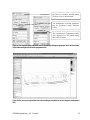
Window for entities tables,
generation
of
simple
objects and copy/move
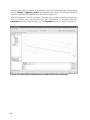
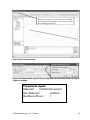
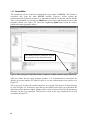
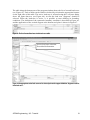
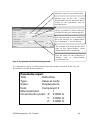
Figure 20: Layout of the ATENA window for macro-element definition.
ATENA Engineering - 3D - Tutorial
17