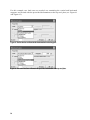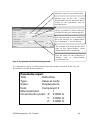
1
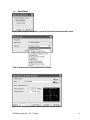
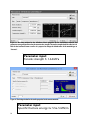
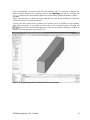
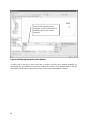
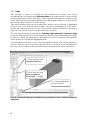
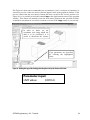
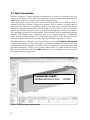
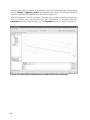
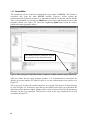
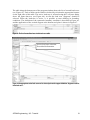
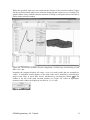
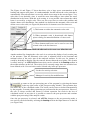
The new reinforcement
bar is here.
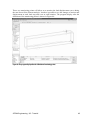
In order to see the reinforcement in the interior of
the model the display of surfaces and FE mesh
should be deactivated here.
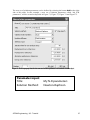
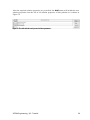
Figure 57: The global view of the model with the new reinforcing bar.
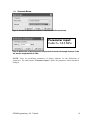
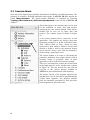
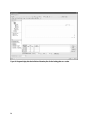
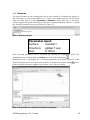
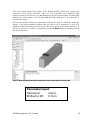
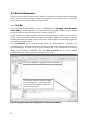
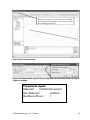
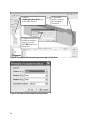
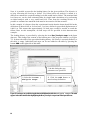
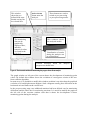
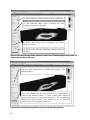
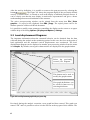
1) Select the item Topology | Reinforcements. This
brings up the list of currently defined reinforcement in the table
below.
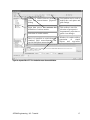
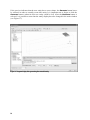
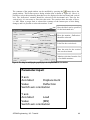
2) Select the reinforcement 1. The selected reinforcement
will be highlighted in green color.
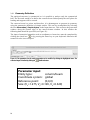
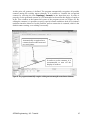
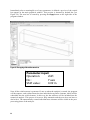
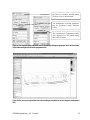
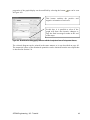
3)
Select
the
item
Topology
Reinforcement | Selected | Copy.
|
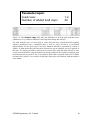
Figure 58: The selection of the reinforcement bar 1 for copying.
ATENA Engineering - 3D - Tutorial
47