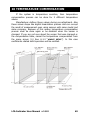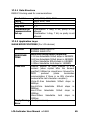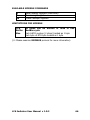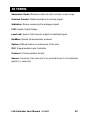
1
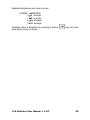
ALTERN MEANING
0 1200
1 2400
2 4800
3 9600
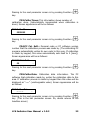
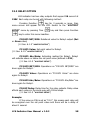
Selected value is accepted by pressing Function (
parameter screen is shown.
) key and next
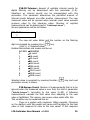
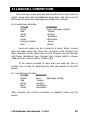
P37:Comm. Bits: Number of bits that to be used in
communication (7bit/8bit).
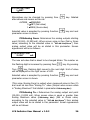
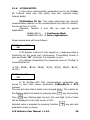
Screen appearance will be as follows:
P37:Comm. Bits
1 8b
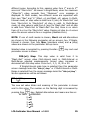
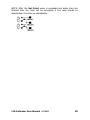
Alternatives can be changed by pressing Zero (
alternatives and means are like as:
) key. Related
ALTERN MEANING
0 7b
1 8b
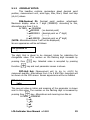
Selected value is accepted by pressing Function (
parameter screen is shown.
) key and next
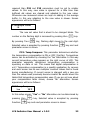
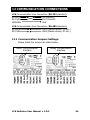
P38:Comm. Parity: Communication parity bit selection
(none, even, odd parity)
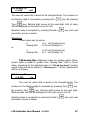
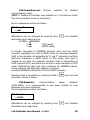
Screen appearance will be as follows:
P38:Comm.Parity
0 n
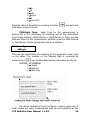
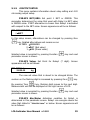
Alternatives can be changed by pressing Zero (
alternatives and means are as:
ALTERN MEANING
0n
(no parity)
1o
(odd parity)
2e
(even parity)
LCA Indicator User Manual v 1.0.2
) key. Related
40