1
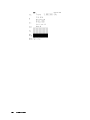
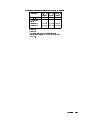
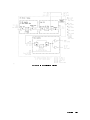
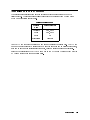
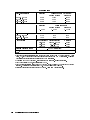
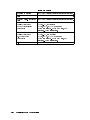
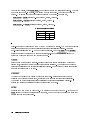
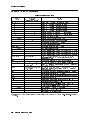
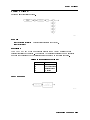
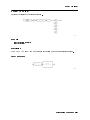
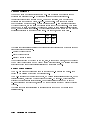
Available Bandwidth of HP 70911A 321.4 MHz IF Output
Frequency Mode Approximate Bandwidth
100 Hz|2.9 GHz >48 MHz1
2.7|26.5 GHz
preselected on
preselector o
>36 MHz2
100 MHz
1 This bandwidth is due to a lter in the RF path
and not to the Microwave preselector.
2 The preselector's bandwidth increases at higher
frequencies and is nearly 60 MHz at a 20 GHz
center frequency.
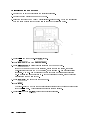
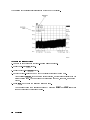
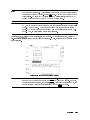
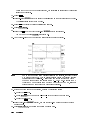
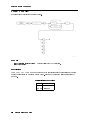
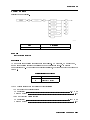
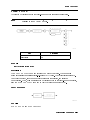
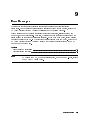
PRINT5
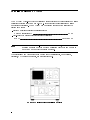
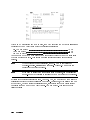
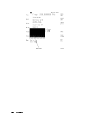
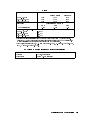
Prints the display on a Hewlett-Packard graphics printer. When pressed, 4PRINT5 sends raster
print data over HP-IB to the printer specied in the 4DISPLAY5 menu. Select printer types
by pressing the 4DISPLAY5 front-panel key and then the Hard Copy and printer config
softkeys. Press the 4DISPLAY5 front-panel key and then the Hard Copy and printer address
softkeys to change the default printer address. The printer's default HP-IB address is set to
address 1. Press the 4MENU5 front-panel key to return to the spectrum analyzer menus.
The print data is formatted in the HP-PCL (printer command language) graphics format.
4
NNNNNNNNNNNNNNNNNNNNNNNNNNNNN
NNNNNNNNNNNNNNNNNNNNNNNNNNNNNNNNNNNNNNNNNNNN
NNNNNNNNNNNNNNNNNNNNNNNNNNNNN
NNNNNNNNNNNNNNNNNNNNNNNNNNNNNNNNNNNNNNNNNNNNNNN
WWWWWWWWWWWWWWWWWW
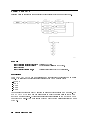
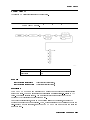
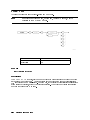
PULSE
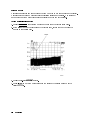
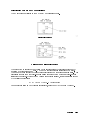
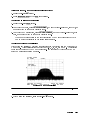
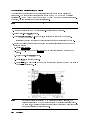
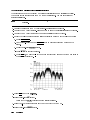
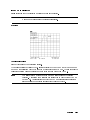
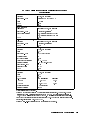
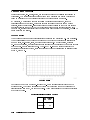
Selects demodulation of pulse-modulated signals. The video bandwidth is set to a value
that is greater than 100 MHz. Because the video bandwidth is only applied to the displayed
signal, its value does not aect the downconverted signal that is available at the rear-panel IF
outputs. It does aect the signal available at the front-panel VIDEO output.
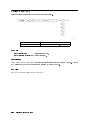
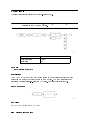
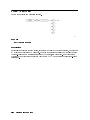
Q
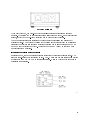
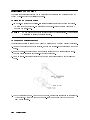
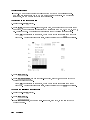
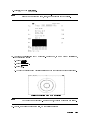
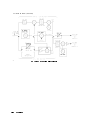
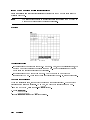
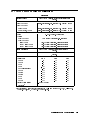
Front-panel output connector on the HP 70911A Option 004 modules. The I and Q connectors
provide an analog IQ output for applications requiring constellation displays. Connect a
two-channel oscilloscope in X-Y mode to these connectors. Use the Q GAIN and Q OFFSET
softkeys to adjust the gain and dc oset of this channel. Use the QUADRATURE softkey to
adjust the phase between the I and Q outputs to 90.
NNNNNNNNNNNNNNNNNNNN
NNNNNNNNNNNNNNNNNNNNNNNNNN
NNNNNNNNNNNNNNNNNNNNNNNNNNNNNNNN
WWWWWWWWWWWWWWWWWWWWW
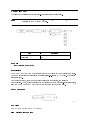
Q GAIN
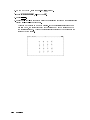
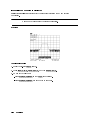
Sets the gain of the analog Q channel. Because this output is only available on Option 004
instruments, this softkey only appears if this option is installed. The analog IQ outputs are
useful for applications that require constellation displays. The adjustment values are unitless
numbers that range from 0 to 4095.
7-12
Dictionary Reference