1
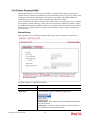
3.8.2 URL Content Filter Profile
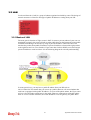
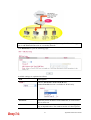
To provide an appropriate cyberspace to users, Vigor router equips with URL Content Filter
not only to limit illegal traffic from/to the inappropriate web sites but also prohibit other web
feature where malicious code may conceal.
Once a user type in or click on an URL with objectionable keywords, URL keyword blocking
facility will decline the HTTP request to that web page thus can limit user’s access to the
website. You may imagine URL Content Filter as a well-trained convenience-store clerk who
won’t sell adult magazines to teenagers. At office, URL Content Filter can also provide a
job-related only environment hence to increase the employee work efficiency. How can URL
Content Filter work better than traditional firewall in the field of filtering? Because it checks
the URL strings or some of HTTP data hiding in the payload of TCP packets while legacy
firewall inspects packets based on the fields of TCP/IP headers only.
On the other hand, Vigor router can prevent user from accidentally downloading malicious
codes from web pages. It’s very common that malicious codes conceal in the executable objects,
such as ActiveX, Java Applet, compressed files, and other executable files. Once downloading
these types of files from websites, you may risk bringing threat to your system. For example, an
ActiveX control object is usually used for providing interactive web feature. If malicious code
hides inside, it may occupy user’s system.
For example, if you add key words such as “sex”, Vigor router will limit web access to web
sites or web pages such as “www.sex.com”, ”www.backdoor.net/images/sex/p_386.html”. Or
you may simply specify the full or partial URL such as “www.sex.com” or “sex.com”.
Also the Vigor router will discard any request that tries to retrieve the malicious code.
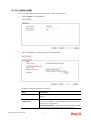
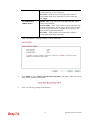
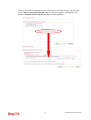
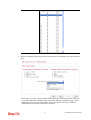
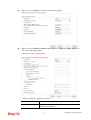
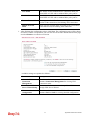
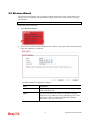
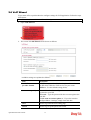
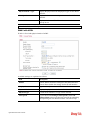
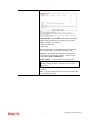
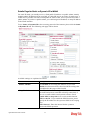
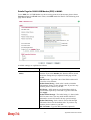
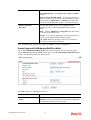
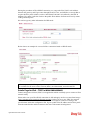
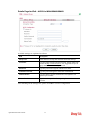
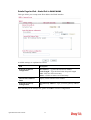
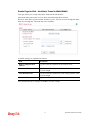
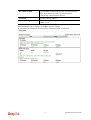
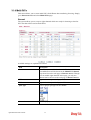
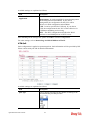
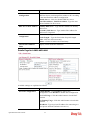
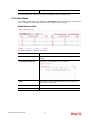
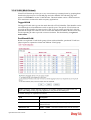
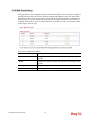
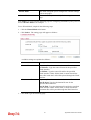
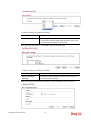
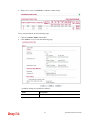
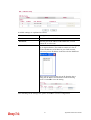
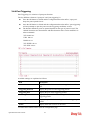
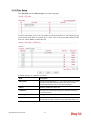
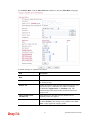
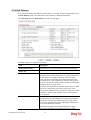
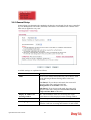
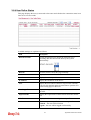
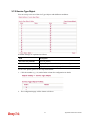
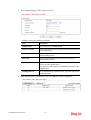
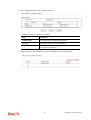
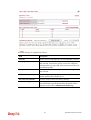
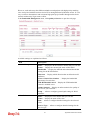
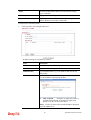
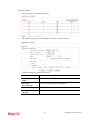
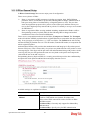
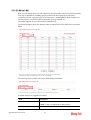
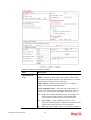
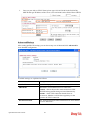
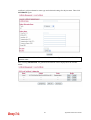
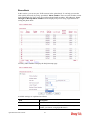
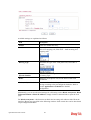
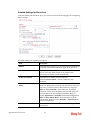
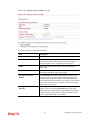
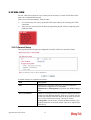
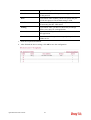
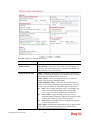
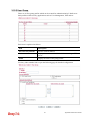
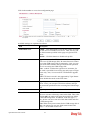
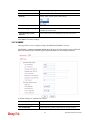
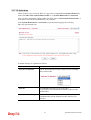
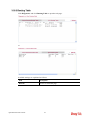
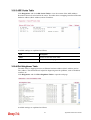
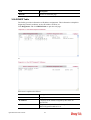
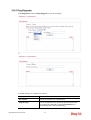
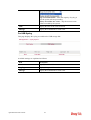
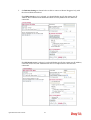
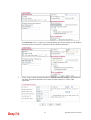
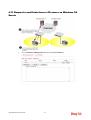
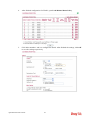
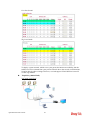
Click CSM and click URL Content Filter Profile to open the profile setting page.
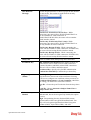
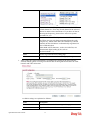
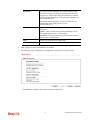
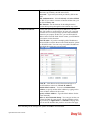
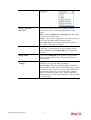
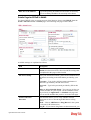
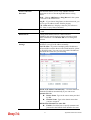
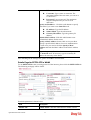
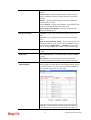
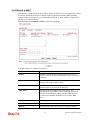
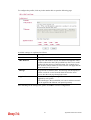
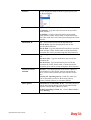
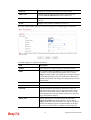
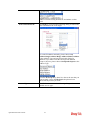
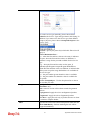
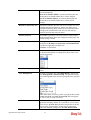
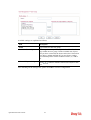
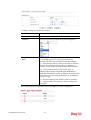
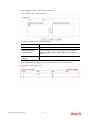
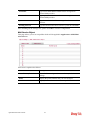
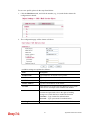
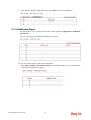
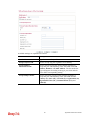
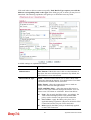
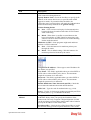
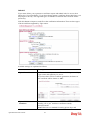
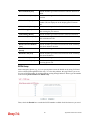
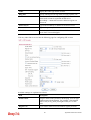
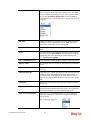
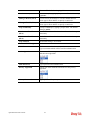
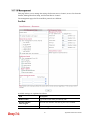
Each item is explained as follows:
Item
Description
Set to Factory Default
Clear all profiles.
Profile
Display the number of the profile which allows you to click
to set different policy.
Name
Display the name of the URL Content Filter Profile.
Vigor2830 Series User’s Guide
200