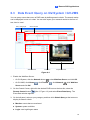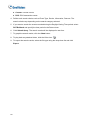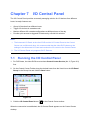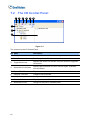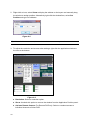
1
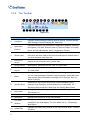
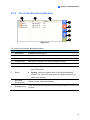
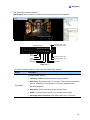
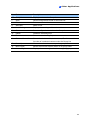
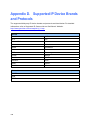
Name
Functions
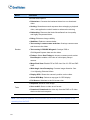
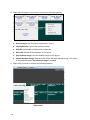
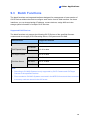
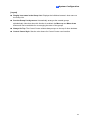
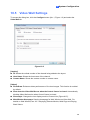
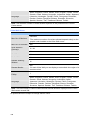
Includes these options:
• Deinterlace: Converts the interlaced video into non-interlaced
video.
• Scaling: Smoothens mosaic squares when enlarging a playback
video, and applies the colorful mode to enhance the coloring.
• Deblocking: Removes the block-like artifacts from low-quality
and highly compressed video.
• Defog: Enhances image visibility.
• Stabilizer: Reduces camera shake.
• Text overlay’s camera name and time: Overlays camera name
and time onto the video.
Render
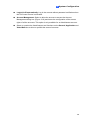
• Text overlay’s POS/GV-Wiegand: Overlays POS or
GV-Wiegand Capture data onto the video.
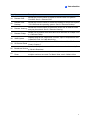
• Fisheye: Select Geo Fisheye to choose a camera mode; select
Panomorph to enable a 360 view of a third-party fisheye
camera.
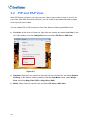
• Mega Pixel View: Enable PIP or PAP view. See 3.2 PIP and PAP
View.
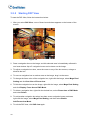
• Wide Angle Lens Dewarping: Corrects image distortion. See
3.1.4 Adjusting Distorted Views.
• Display GPS: Shows the camera’s position on the video.
• Select GPS Map: Selects a map type for GPS display.
• Full Screen: Switches to the full screen view.
• Snapshot: Saves a video image.
Tools
• Save as AVI: Saves a video as avi format.
• Download: Downloads the video clip from the DVR or IP video
device to the local computer.
Note: The Defog and Stabilizer only work when the functions have been applied on the
recording from the DVR.
50