1
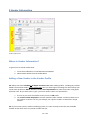
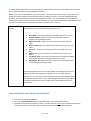
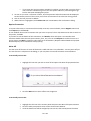
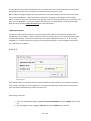
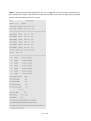
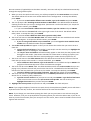
Note: Any bar code reader that emulates the keyboard may be used. It must be able to read Code 3 of 9,
however. Refer to the bar code reader manual to confirm this information.
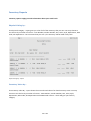
Cash Drawer
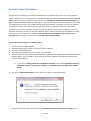
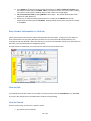
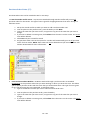
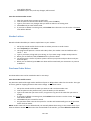
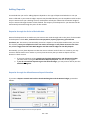
In order to use a cash drawer, you must tell the program where and how it can be accessed.
To set up the program for cash drawers:
1.
2.
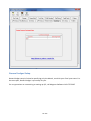
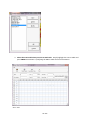
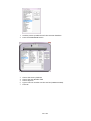
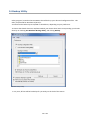
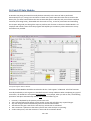
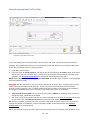
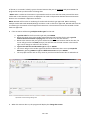
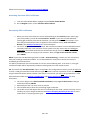
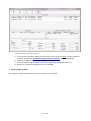
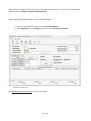
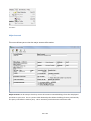
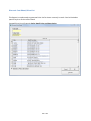
Highlight and click on ‘Configuration Program’ from the main Module menu.
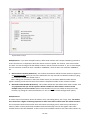
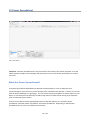
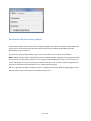
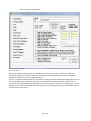
Click on Opt’l Equipment ’.
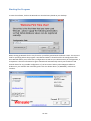
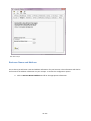
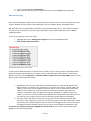
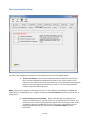
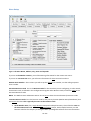
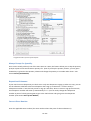
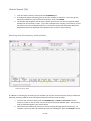
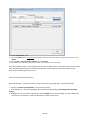
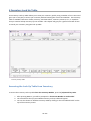
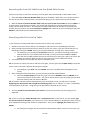
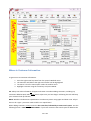
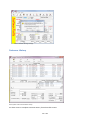
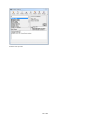
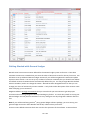
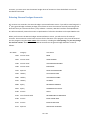
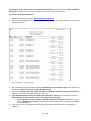
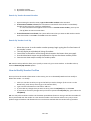
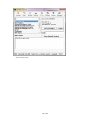
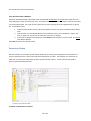
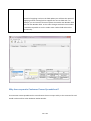
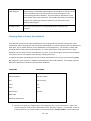
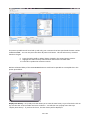
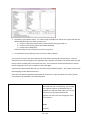
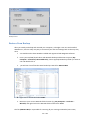
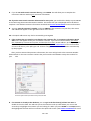
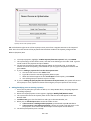
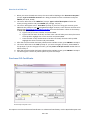
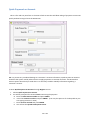
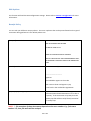
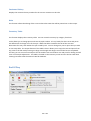
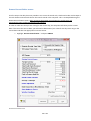
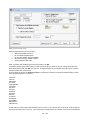
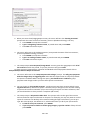
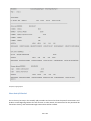
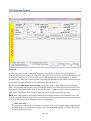
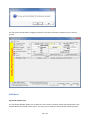
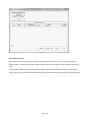
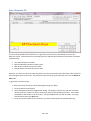
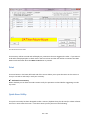
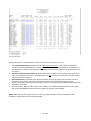
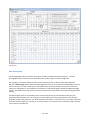
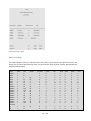
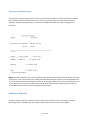
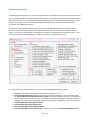
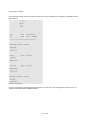
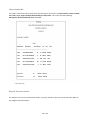
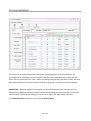
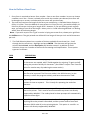
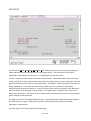
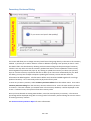
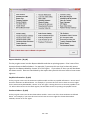
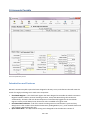
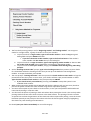
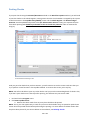
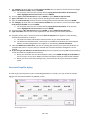
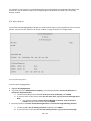
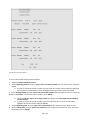
Configuration Menu for Cash Drawer Set Up
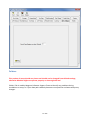
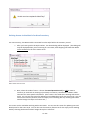
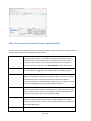
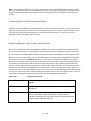
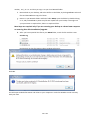
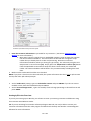
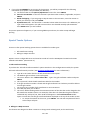
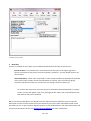
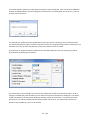
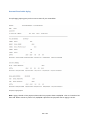
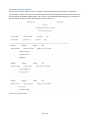
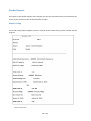
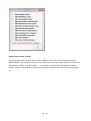
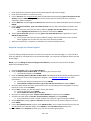
The first section asks where your printer is connected to your computer:
If the cash drawer is a serial cash drawer it is typically connected to Com1: or Com2:.
If you are using a receipt printer, the cash drawer is typically a parallel cash drawer and is
connected to LPT1:.
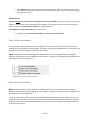
3. Highlight the correct option.
1.
2.
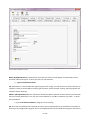
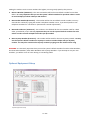
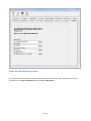
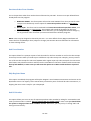
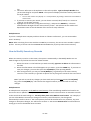
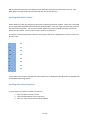
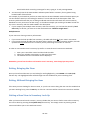
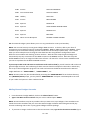
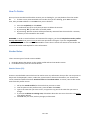
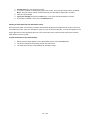
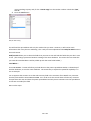
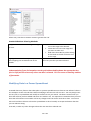
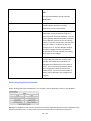
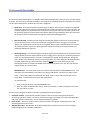
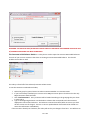
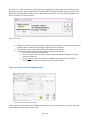
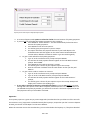
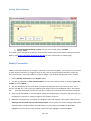
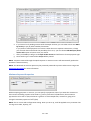
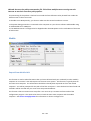
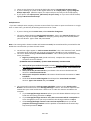
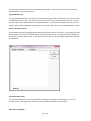
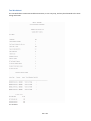
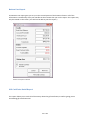
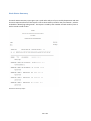
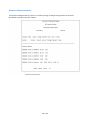
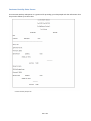
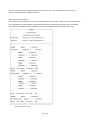
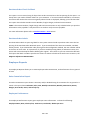
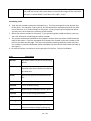
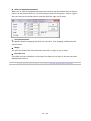
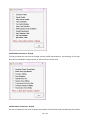
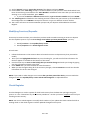
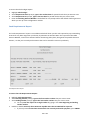
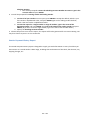
The next section will ask you for the Cash Drawer Open Signal:
1.
2.
3.
For Serial Cash Drawers the Open Signal is typically 0.
For Parallel Cash Drawers (those used with a receipt printer), the Open Signal is typically 7.
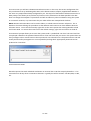
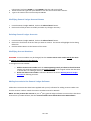
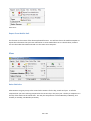
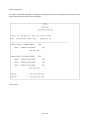
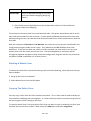
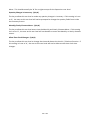
Type in the correct signal and click on Test to confirm setup.
Note: The cash drawer will open from the configuration screen once the option has been turned on. The
drawer will only open if the setup for the drawer is correct.
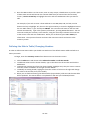
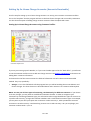
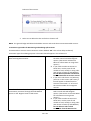
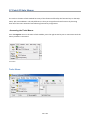
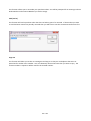
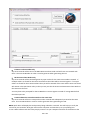
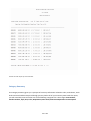
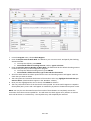
If your cash drawer is NOT connected through LPT or COM port, and communicates with WinSale through
printer driver, but not directly, then setting it up to work is different.
44 / 362