1
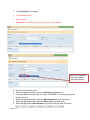
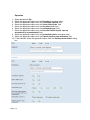
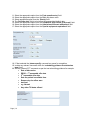
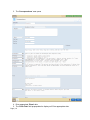
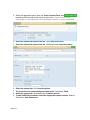
10. ‘Benefits’ and ‘Risks’ will be populated according to procedure selected.
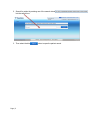
11. The ‘Consultant’ is the same as the Firm. To change to an alternative clinician type
name into the ‘Dynamic’ search box.
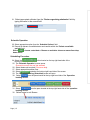
12. Save and Print the ‘Consent Form’ for patient to sign.
The form can be ‘Edited’ or ‘Deleted’ as required.
Logging Off
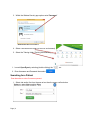
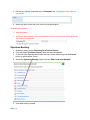
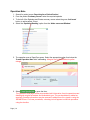
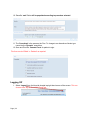
1. Select ‘Logout’ from the blue tab located top right hand corner of the screen. This can
be seen from any screen within OpenEyes.
Page | 22