1
Using the Phone Utilities
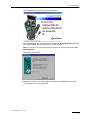
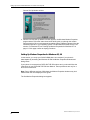
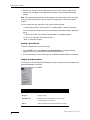
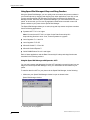
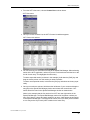
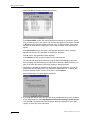
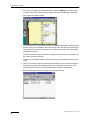
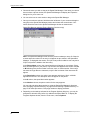
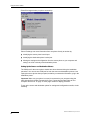
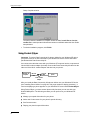
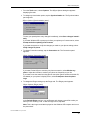
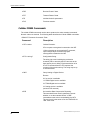
Phone Exchange window (no phone connection)
Phone Exchange can move information from one phone directly to another by:
■
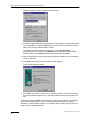
Identifying the source phone’s serial port
■
Identifying the destination phone’s serial port
■
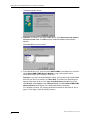
Moving the settings and configuration from the source phone to your computer and
saving it as a file or directly to the destination phone
Setting Up the Source and Destination Phones
The COM port for the source phone should have been detected during the installation
procedure. You can use one COM port for both the source and destination phones. Just
unplug the source phone when prompted, and after you extract the information, plug in the
destination phone.
Important. Make sure your phone is on and is connected to your computer using the
cable included in the Data Connectivity Kit. See “Connecting the Data Cable to Your
Computer and Phone” on page 10. Click page number to display procedure.
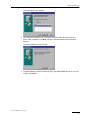
To set up the source and destination phone for settings and configuration transfer, do the
following:
QUALCOMM Incorporated
62