1
ADAPT-PT 2012 Getting Started Guide
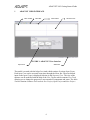
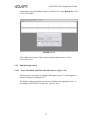
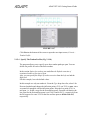
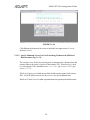
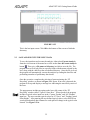
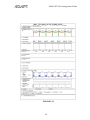
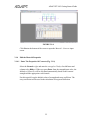
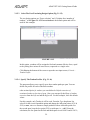
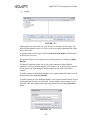
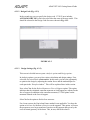
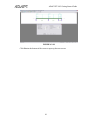
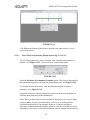
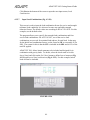
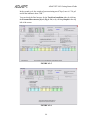
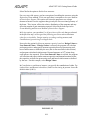
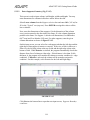
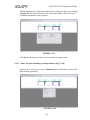
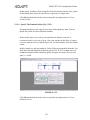
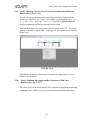
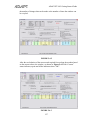
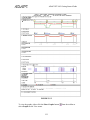
FIGURE 3.1-18
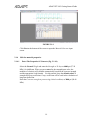
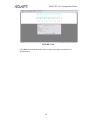
Click Next at the bottom of the screen to open the input screen, Load
Combinations.
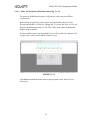
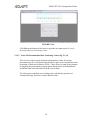
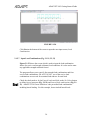
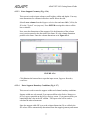
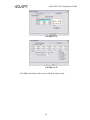
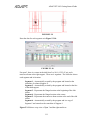
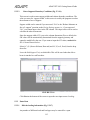
3.1.5.7 Input Load Combinations (Fig. 3.1-19, 20, 21)
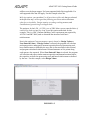
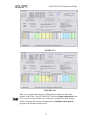
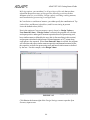
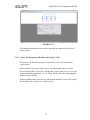
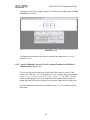
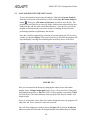
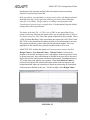
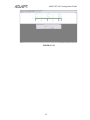
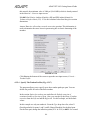
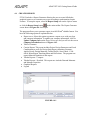
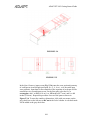
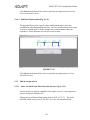
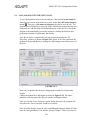
Figure 3.1-19 shows the screen which is used to input the load combination
factors for service and strength (ultimate) load conditions. It is also used to enter
any applicable strength reduction factors. The default values are according to the
ACI 318-2011 code. Leave the default values for this example.
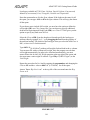
The program allows you to specify four strength load combinations and four
service load combinations. For ACI 318-2011, two of the service load
combinations are reserved for sustained load and two for total load.
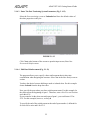
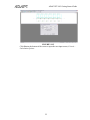
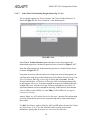
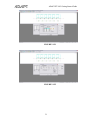
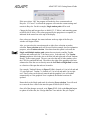
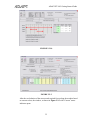
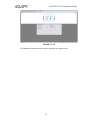
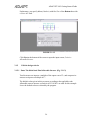
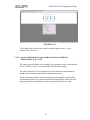
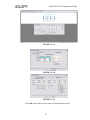
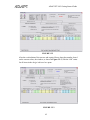
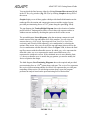
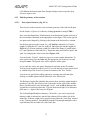
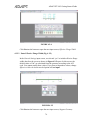
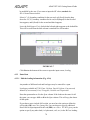
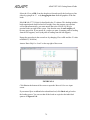
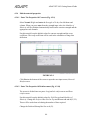
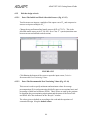
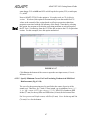
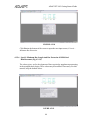
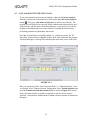
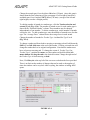
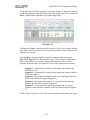
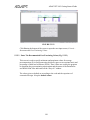
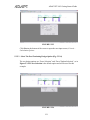
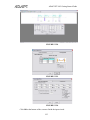
To include lateral loads, check the box to Include lateral loads and click on the
Set Values button to define Lateral moments (Fig. 3.1-20) and Lateral load
combinations (Fig. 3.1-21). For this example, lateral loads will not be considered.
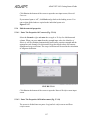
See Page 30 for a description of new default load combinations in ADAPT-PT
2011.
62