1
17
MFWeb
4.3.1
Accept Barcode
4.3.1.1
Proxy Location Administrator
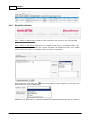
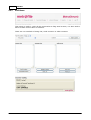
In this module the Proxy Administrator can either Accept Barcodes or view their To Do
List or use the Sorting option to sort File/Item(s) to be delivered to the next Proxy
Location or User or Requester/Workstation Id.
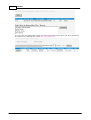
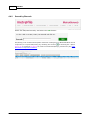
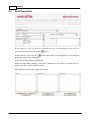
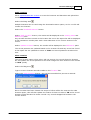
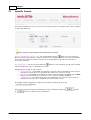
User will scan the Proxy Location ID/Workstation ID and then the File/Item barcode
and add the entry to the batch.
Once all records are scanned into their new proxy locations the user must click the GO
button to process the list.
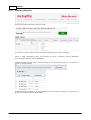
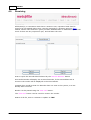
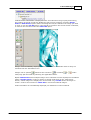
The user can also use a Cipherlab barcode scanner to scan the locations and barcodes
and upload the results and process.
File/Item(s) delivered by Proxy Location Administrators do not have to be
accepted by a user. Once the Proxy Administrator scans the Workplace ID of
the recipient and the File/Item barcode and uploads the scanner file, the
location will automatically be the Workplace ID.