1
View Command String
The IDEA drive can be used without the GUI, by sending serial commands to it
directly from your own programs or devices. In order to help in the development
of these applications, a feature has been created that will show you the string
that will be sent for a given command.
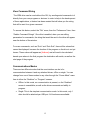
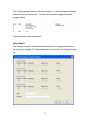
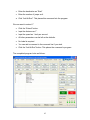
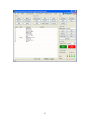
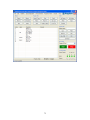
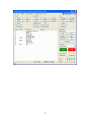
To access this feature, select the “File” menu, then the “Preferences” item, then
“Enable Command Strings”. Once this is enabled, when you are editing
parameters for commands, the string that would be sent to the drive will appear
near the bottom of the window.
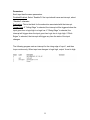
For some commands, such as “Goto” and “Goto Sub”, there will be values that
cannot be displayed, because the location of the program on the drive is not yet
known. These values will appear as [Address] and will need to be calculated
based upon where in the final program the destination will reside, as well as the
start page of the program.
Communications Modes
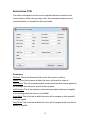
There are two different modes that the user interface can be in for
communication between it and any attached drives, offline or single. You can
change from one of these modes to any other through the “Comm Mode” menu
item in either the “Realtime” or “Program” screens.
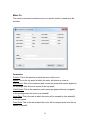
•
Offline: In this mode, no communication is present, so the “Realtime”
screen is unavailable, as well as the drive commands and ability to
program.
•
Single: This is the simplest communication mode. In this mode, only 1
drive should be attached per USB port. All functions are available.
15