1
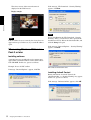
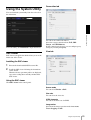
Tip
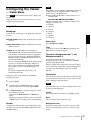
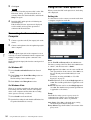
Joystick tab
This device is not equipped with operational functions
for images.
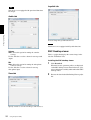
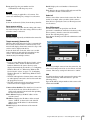
Audio tab
Operating the Camera
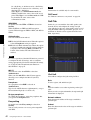
You can assign the joystick buttons here.
Tip
This device is not equipped with Joystick functions.
Volume
Mute: Select this option for muting the sound at
start-up.
Use the slide bar to set the volume for start-up sound
output.
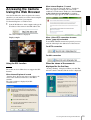
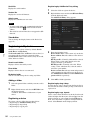
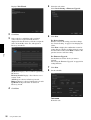
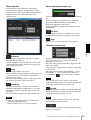
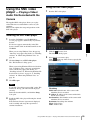
SNC Desktop viewer
This is a gadget that displays the camera image in the
side bar of Windows Vista.
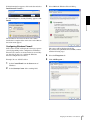
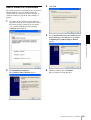
Installing the SNC desktop viewer
Mic
Mute: Select this option for muting the microphone
sound at start-up.
Use the slide bar to set the volume for start-up
microphone input.
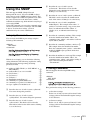
1
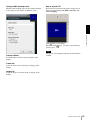
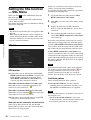
Click Download.
When the license agreement policies are displayed
on the SNC desktop viewer download screen, agree
after reading them carefully and download the SNC
desktop viewer.
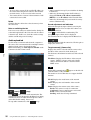
Save tab
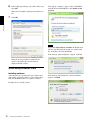
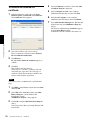
2
Execute the downloaded SncDesktopViewer.gadjet
file.
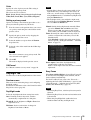
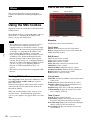
Specify a folder to save the still images and movies to.
24
Using the System Utility