1
or if it's a network that you no longer use.
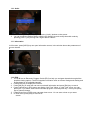
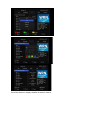
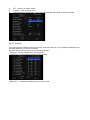
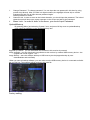
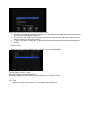
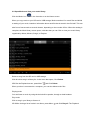
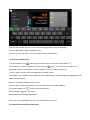
1 Turn on Wi-Fi, if it's not already on.
2In the Wi-Fi settings screen, Click the name of the network.
3 Click Forget in the dialog that opens.
When you connect to a Wi-Fi network, the box obtains a network address and other information it
needs from the network, using the DHCP protocol.
1.3 Open Browser
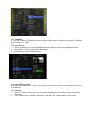
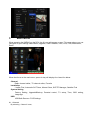
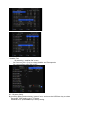
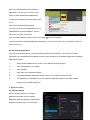
Click the Browser icon at the bottom of the Home screen or the application icon the Launcher or on
the Home screen.
Browser also opens when you Click a web link—for example, in an email or text message. When
you open Browser, the last webpage you were viewing is displayed. If you have not used Browser
recently, your home page opens.
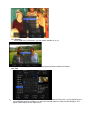
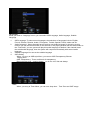
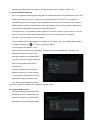
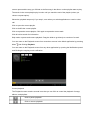
The web address (URL) of the current page is displayed at the top of the window, unless a mobile
site scrolls the URL bar off the top of the screen (if so, just drag the page down to bring the URL bar
into view).
The address (URL) of the current page. Some sites scroll the URL bar off the top of the screen, but
you can drag the page down or press Menu to see it again.
Open a webpage or search the web
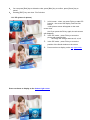
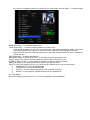
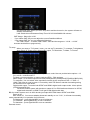
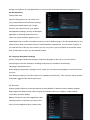
1 Click the URL box at the top of the Browser screen. If the URL box isn’t visible, press Menu
or just drag the page down until the URL box comes into view.
2
Enter the address (URL) of a webpage. Or enter terms you want to search for. As you enter
text, your web search engine makes suggestions of webpages and queries.
You can set the web search engine you want to use.
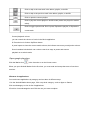
3 Click a suggestion or enter an address and Click the arrow icon
Refresh the current page
that webpage opens.