1
2-46
<Chapter 2. Communication Commands>
<Toc>
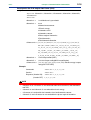
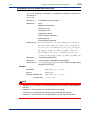
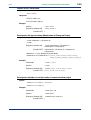
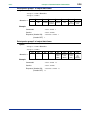
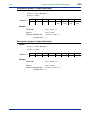
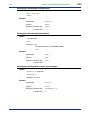
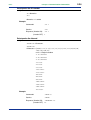
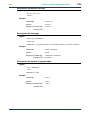
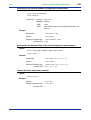
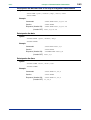
Queries detected voltage fluctuation (voltage quality) values
Syntax
:VDETect:VALUe?
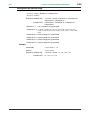
Response
(Header ON)
<Number of detected values>,<Header><Numeric>
(Header OFF)
<Number of detected values>,<Numeric>
<Number of detected values> = 0 to 100
<Header> = Same as the header used for saving the detected fluctuation values
as files.
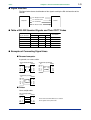
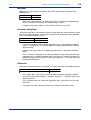
Header item
Detected value data
Number
1 to 100
Detection date
yyyy/mm/dd
Detection time
hh:mm:ss
Detection time (msec)
nnn
Fluctuation type
SWELL, DIP, INTER
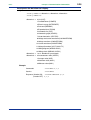
<Numeric> =
Voltage input
Wirings other than 3-phase 3-wire and
1-phase 3-wire
U1, U2, U3
3-phase 3-wire and 1-phase 3-wire
U1_3P, U2_3P, U3_3P
U1_1P, U2_1P
Start/end
IN, OUT
Detected RMS voltage (V)
0.000E±00
Time period
hhhh:mm:ss
Time period (msec)
nnn
Example
Queries
:VDET:VALU?
Response (Header ON)
5,NO 1,DATE 2003/08/12,
TIME 15:25:00,000,TYPE SWELL,.....
(Header OFF) 5,2003/08/12,15:25:00,000,SWELL,.....
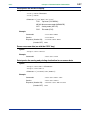
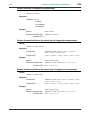
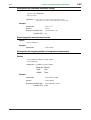
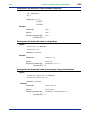
Sets/queries the voltage range
Syntax
:VOLT:RANGe <Numeric>
:VOLT:RANGe?
<Numeric> = 150/300/600/1000
Example
Commands
:VOLT:RANG 150
Queries
:VOLT:RANG?
Response (Header ON)
:VOLT:RANGE 150
(Header OFF) 150
IM CW240C-E
1st Edition : Jun.30,2004