1
Getting Started
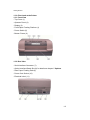
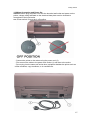
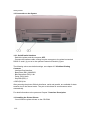
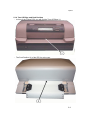
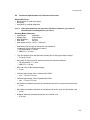
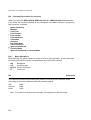
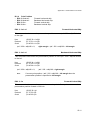
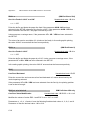
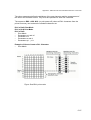
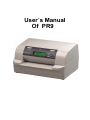
The operator can press down front power switch (3 in figure before) to power on
printer
now.
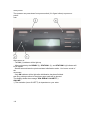
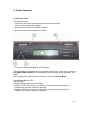
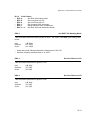
After power on:
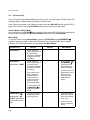
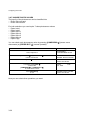
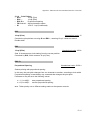
- The ON (1) indicator will be light up
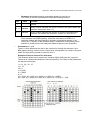
- After a short delay the READY (2), STATION 1 (3), and STATION 2 (4) indicator will
be all lighted.
-Several seconds later the print head start initialization action. You hear a sound of
the
movement.
-Only ON indicator will be light after initialization has been finished.
Note: Any printing medium in the printer paper path will be ejected.
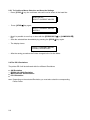
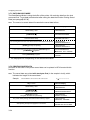
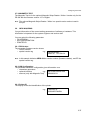
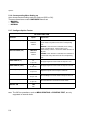
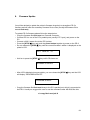
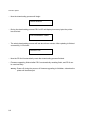
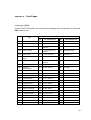
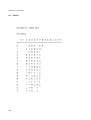
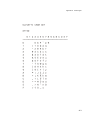
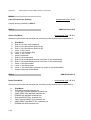
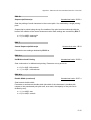
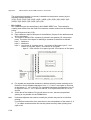
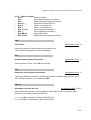
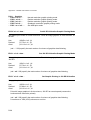
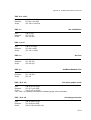
The display shows the message: PR9 SERIAL1 OLIVETTI *)
ON-LINE
*) The emulation (hear OLIVETTI) is dependent on your order.
1-8